1. OPERATIONAL OVERVIEW
1-30
1.27.4 How to restore a user customized echo to the factory default
settings
You can restore customized echo options to their factory default (see the table on
page 1-28).
1. Select the [CUSTOMIZE ECHO] box, then press the right button to display the
[CUSTOMIZE ECHO] menu.
2. Select [0 DEFAULT], then push the ADJUST knob.
3. Select [FACTORY], then push the ADJUST knob.
1.28 How to Reject Second-trace Echoes
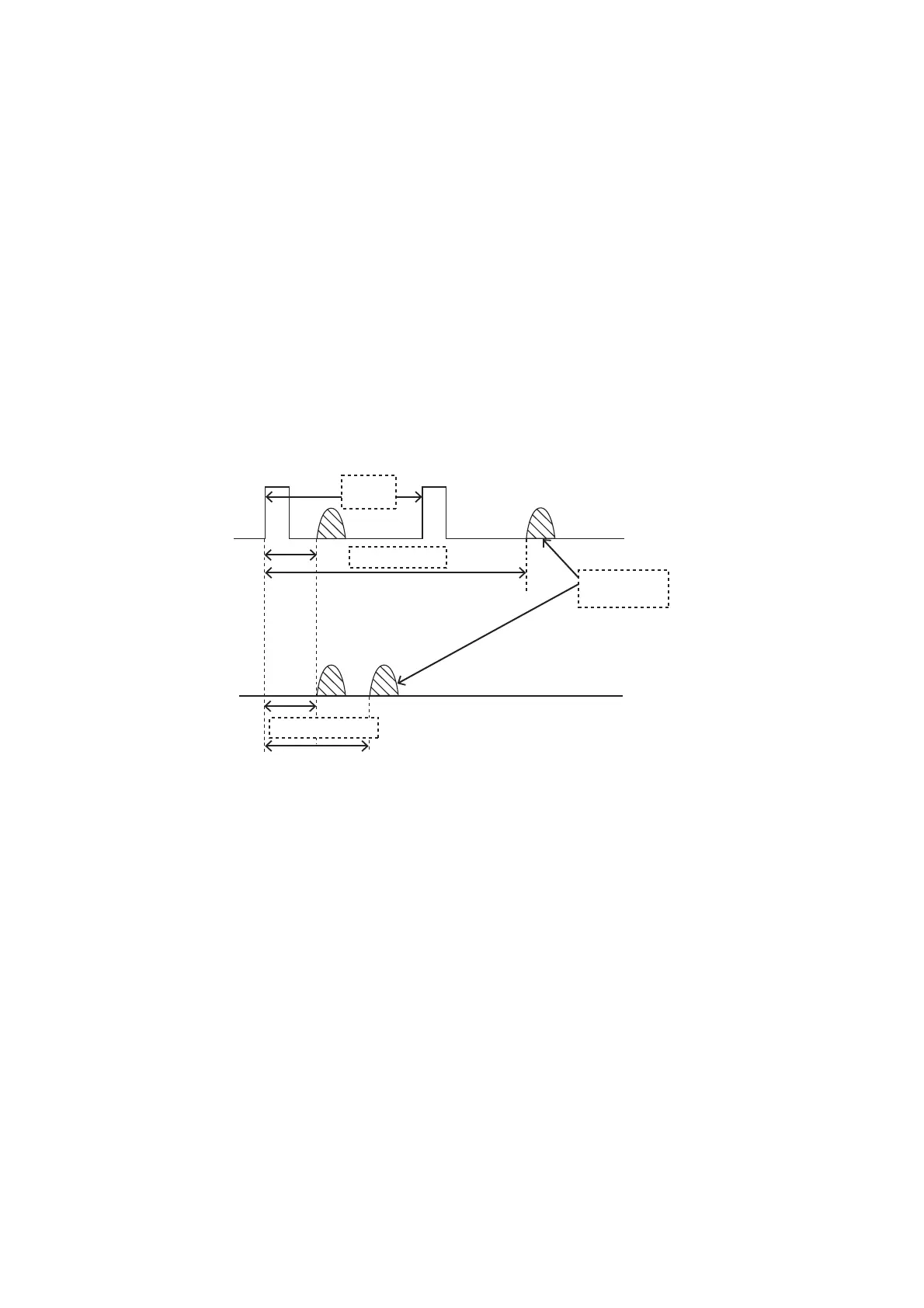
In certain situations, echoes from very distance targets can appear as false echoes
(second-trace echoes) on the screen. This occurs when the return echo is received
one transmission cycle later, or after a next radar pulse has been transmitted.
This equipment lengthens the pulse repetition period to reject false echoes.
Note: This function decreases the number of echo hits. Use this function carefully so
that the possibility of detecting small targets and high-speed craft does not lessen.
To reject second trace echoes, do the following:
1. Open the [MAIN MENU].
2. Select [ECHO], then push the ADJUST knob.
3. Select [2ND ECHO REJ], then push the ADJUST knob.
4. Select [ON], then push the ADJUST knob. Select [OFF] to disable rejection.
5. Close the menu.
Pulse
interval
Actual ranges
Second-trace
echo
Measured ranges










 To Next Page