1. OPERATIONAL OVERVIEW
1-62
How to assign/change the brilliance presets
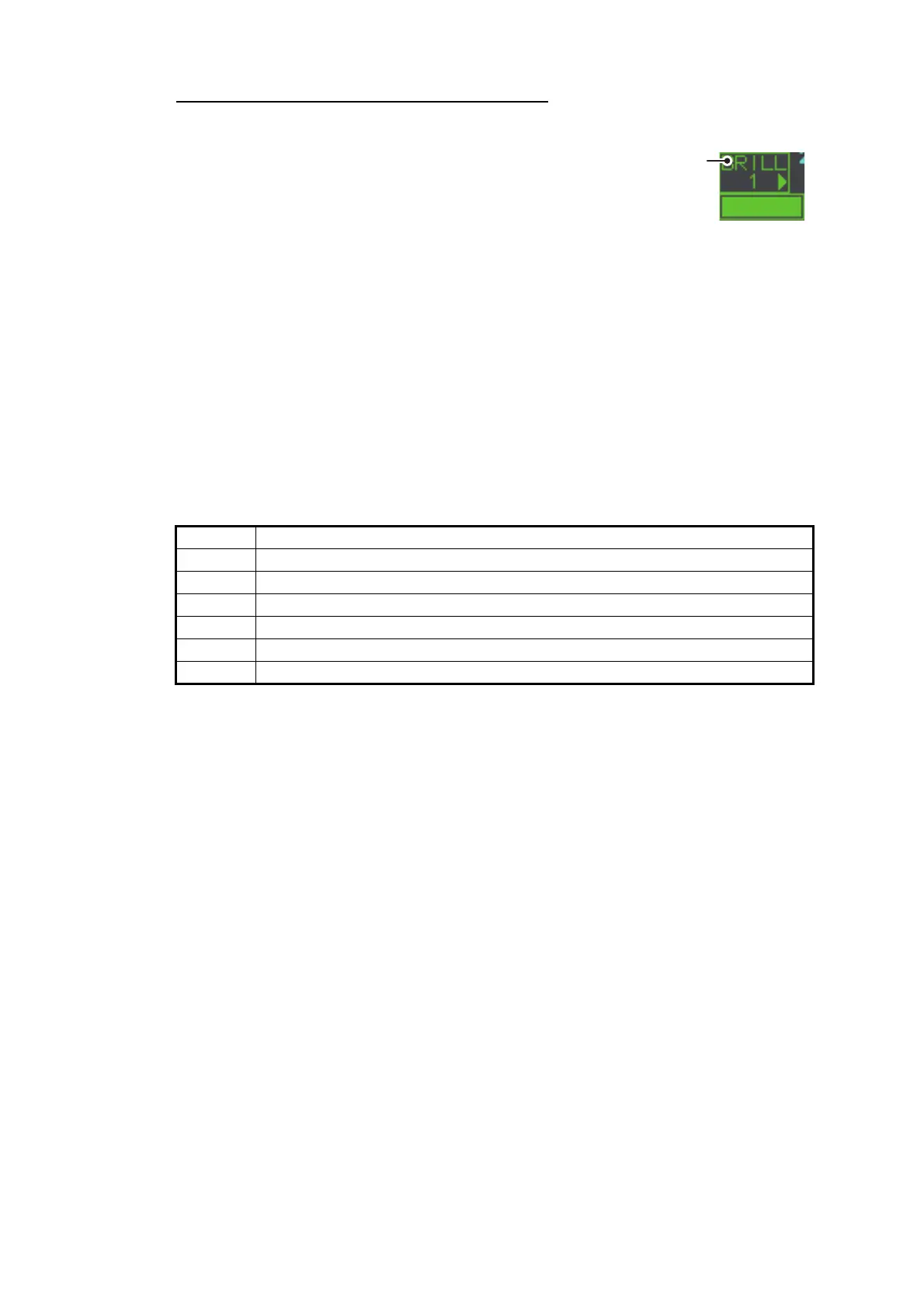
1. Place the cursor on the BRL indication inside the [BRILL] box.
2. Press the left button to cycle through the pre-
sets. There are four available: [BRL1], [BRL2],
[BRL3] and [BRL4].
3. To change the palette for a preset, press the
right button with the preset selected. The
[BRILL] menu appears.
4. Follow steps 2 to 4 in "How to change color palettes" on page 1-61.
5. Repeat the process to change other presets’ palettes.
1.43.2 How to change the echo color
1. Select the [BRILL] box at the bottom-left of the screen, then press the right but-
ton. The [BRILL] menu appears.
2. Select [ECHO COLOR], then push the ADJUST knob.
3. Select the appropriate color, then push the ADJUST knob. The available options
are listed in the table below.
Color Description/remarks
YEL Yellow echo (default setting)
GRN Green echo
WHT White echo
AMB Amber echo
M-GRN Red echo, gradually changes to green color as the echo weakens.
M-CYA Red echo, gradually changes to cyan color as the echo weakens.
Place cursor here,
then press the left
button to change
brilliance preset,
right button to open
the [BRILL] menu.










 To Next Page