1. OPERATIONAL OVERVIEW
1-66
Antenna selection considerations
• An antenna unit cannot be controlled from multiple display units. Select one Master
display unit for one antenna unit. If two antenna units are set as masters, the display
last-set as master becomes the master and all other displays are automatically
changed to slave.
• An antenna unit without a Master display cannot be selected on the sub display
units. If there is no antenna unit set as master, the lowest number display is auto-
matically set as master.
• If the Alert 740 "XT RADAR ERROR" appears, do one of the following as applicable:
- If only your antenna is not displayed on the [ANT SELECT] display, the LAN line
in the Processor Unit may be faulty. In this case, use the standalone mode.
- If the antenna that was in use does not appear on the [ANT SELECT] display, the
LAN line in other Processor Unit may be faulty. In this case, see the preceding page
for how to select a different antenna unit
• When the Network fails, the Interswitch does not work, but standalone operation is
possible.
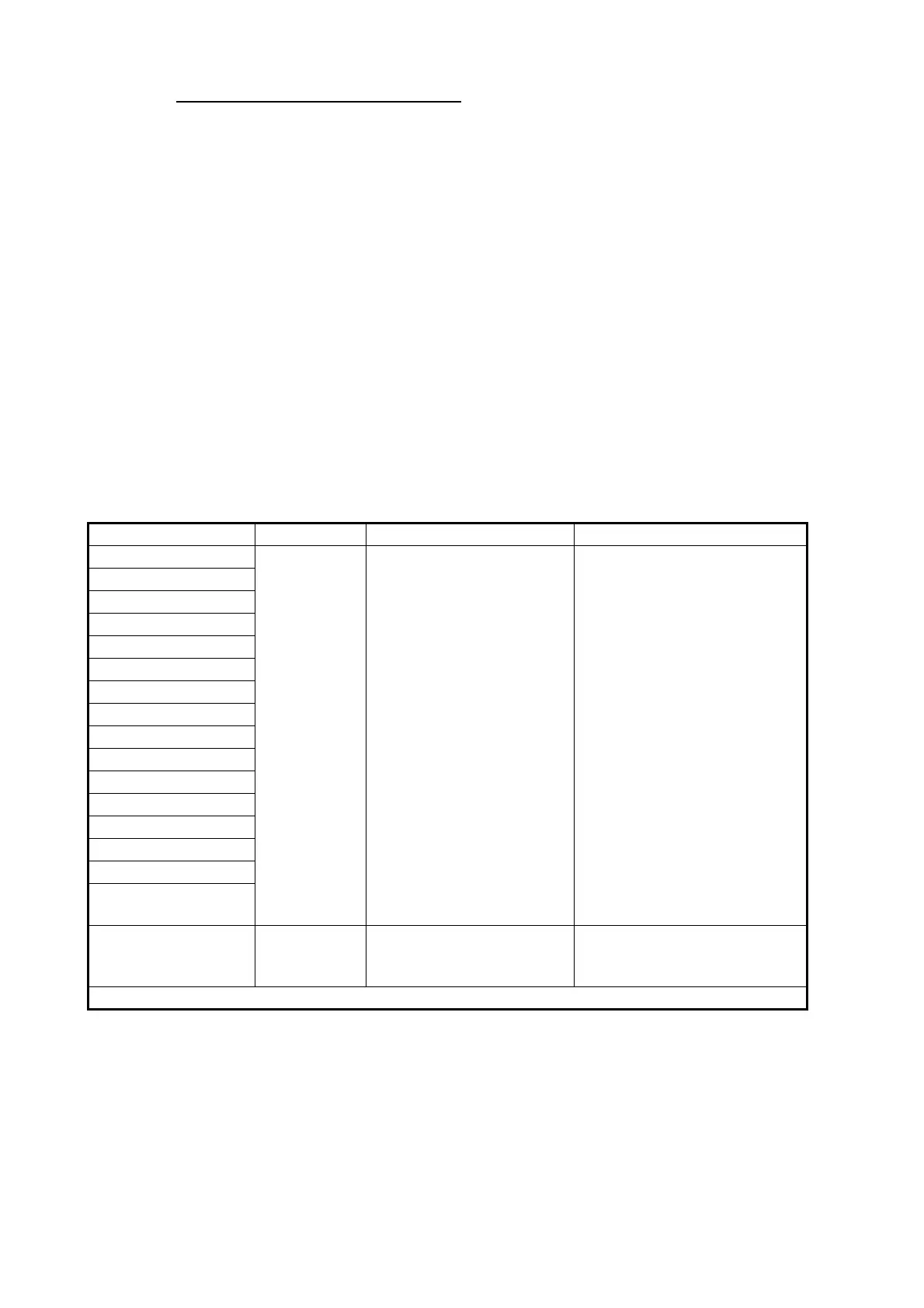
• Radar functions are controlled independently, dependently or commonly depending
on selection as Master or Slave (see the table below).
Radar Functions Control Master Display Option Slave Display Option
AIS function Independent Desired value can be set Desired value can be set
Brilliance
Echo trails
EBL
Lat/long data
Presentation mode
Speed data
Target alarm
TT, AIS on/off
TT, AIS track interval
Vector mode
Vector time
VRM
Wiper
Zoom
TT COLLISION
alarm
Range
(Sampling at Master)
Independent Desired value can be set
(Echo Sampling at Master
Range)
Desired value can be set
Continued on the following page.










 To Next Page