Abbreviation used on setup screen
Function name, etc
Channel 3 control
Operation of channel 3
Channel 4 control Operation of channel 4
Condition 2 2nd condition function ON/OFF
Screen capture The screen capture is preserved on the microSD card.
Engine cut Engine cut
A.B.S.(Brake1) A.B.S function brake1(2CH)ON/OFF
A.B.S.(Brake2,3) A.B.S function brake2,3(3CH/4CH)ON/OFF
Neutral brake Neutral brake function ON/OFF
Idle up Idle up function ON/OFF
Program mixing(1-5) Program mixing(1-5) function ON/OFF
4WS mixing 4WS mixing function ON/OFF & type select
Dual ESC (Rear
)
Dual ESC mixing (Rear Drive mode)
Dual ESC (4WD
)
Dual ESC mixing (4WD mode)
Dual ESC (Front
)
Dual ESC mixing (Front Drive mode)
Gyro mixing
Switching GYRO mode (Switch of Gain1 and 2)
CPS mixing
CPS up function ON/OFF
Brake
Steering mixing (Brake function ON/OFF)
Set table functions
(PS1/PS2/PS3/PS4/PS5) & Trigger switch (TS)
SW Select
Example :4WS Mixing
4WSmixing
Type 3
When the set SW is operated
in the HOME screen state, the
4WS mode is displayed here
for about 2 seconds.
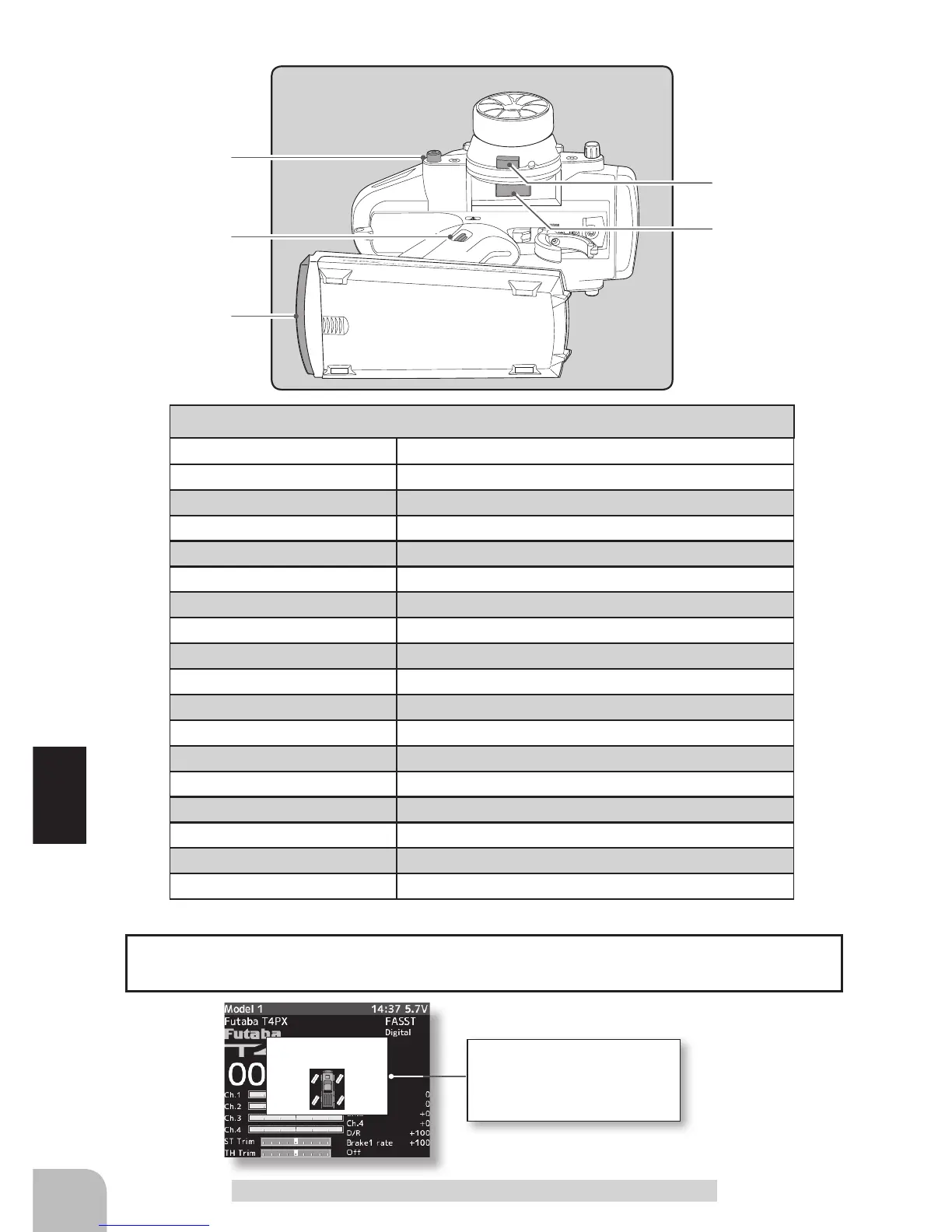
When push switch is operated in the HOME screen state, the state of the function is dis-
played in the center for about one or two seconds.
The HOME screen display



 To Next Page