Operators and Technicians Manual
2011 – 2014 FutureLogic, Incorporated. All Rights Reserved. MNL Page 5 04/10/2014
MNL-000067 REV.X03
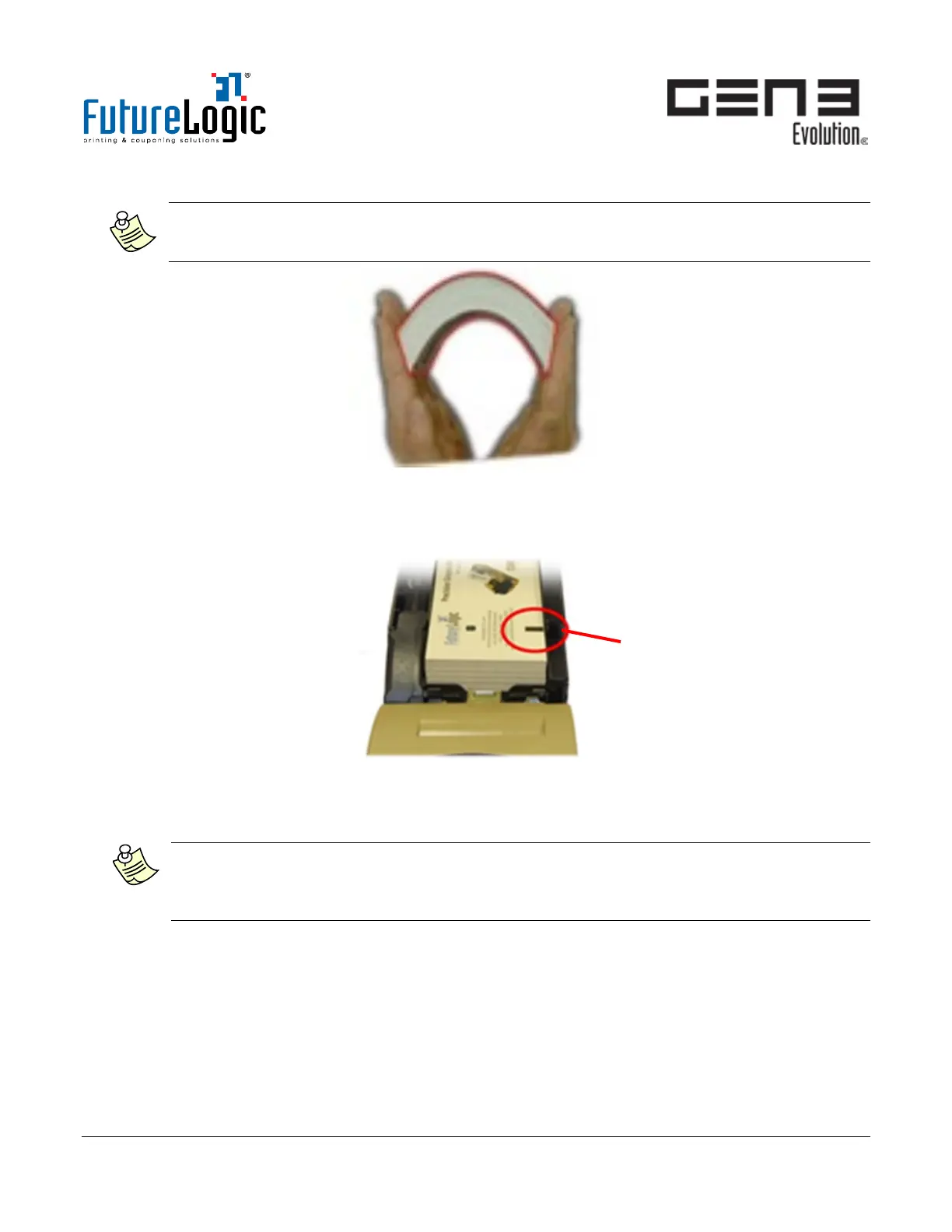
3. Open a new ticket stack and fan it out.
Note:
It is normal for tickets to stick together slightly due to pre-printing and packing. Bend or fan
the stack as shown to loosen them.
Figure 3-4 Fan Paper
4. Load the new ticket stack.
Note the Index Mark position.
Figure 3-5 Load Ticket Stack
5. Feed the first ticket into the Ticket In Slot with the Index Mark side up.
The ticket automatically aligns; the Status Light changes from Yellow (Paper) to Green (Ready).
Note: With no ticket present, over time the Print Head may stick slightly to the Rubber Roller.
An indicator of this is if the motor turns but the ticket does not feed. To remedy, lift the Printer
Lid; use the Ticket Release Lever to release the Print Head from the Roller; close the Lid; and re-
load the ticket stock.
6. Push in the printer.
Close the game door to resume normal operations.



 To Next Page