Operators and Technicians Manual
2011 – 2014 FutureLogic, Incorporated. All Rights Reserved. MNL Page 23 04/10/2014
MNL-000067 REV.X03
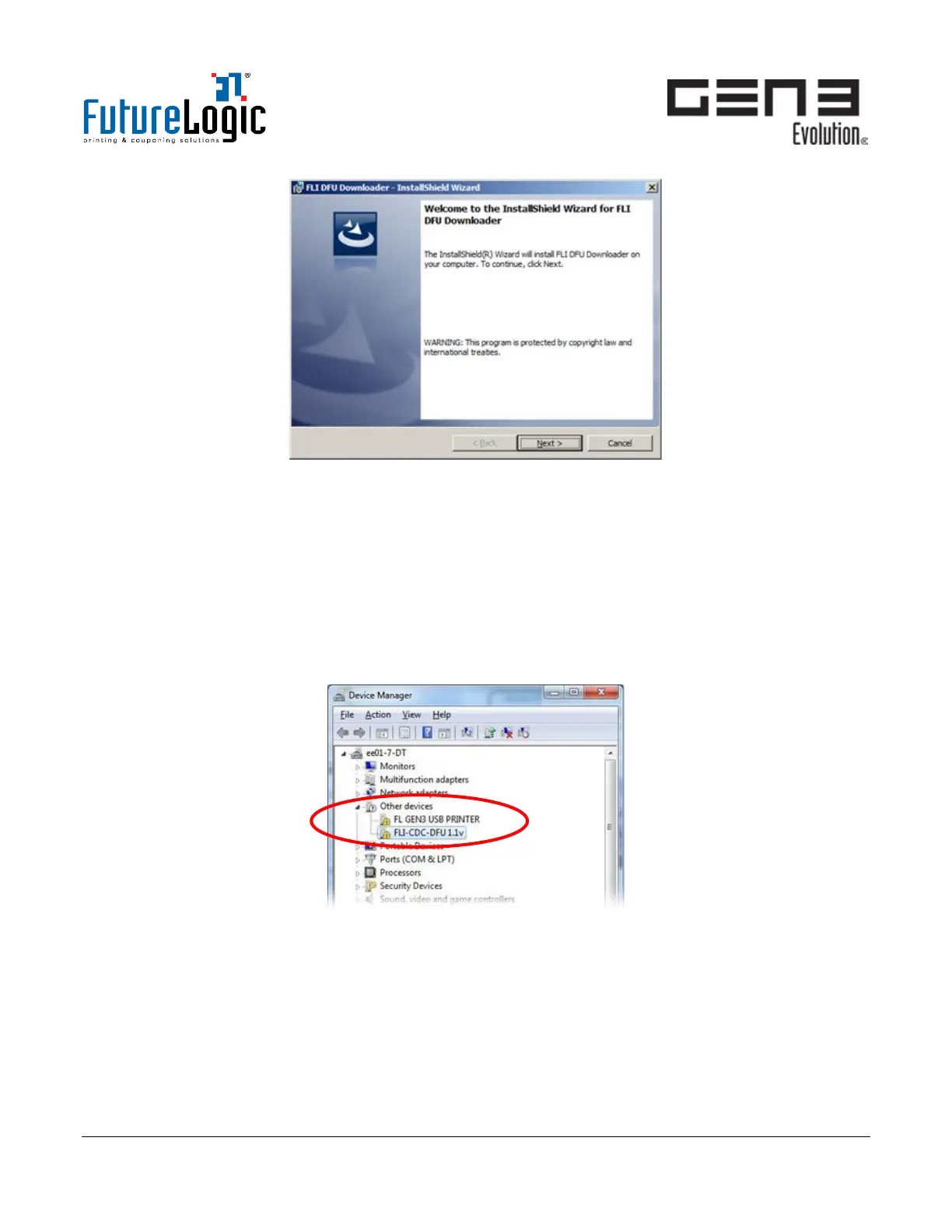
Figure 8-2 InstallShield Wizard
3. Click Next.
4. Click Install.
5. When finished, click Finish. If prompted, restart the computer.
Procedure: Driver Installation (First-time Use Only)
The printer uses USB for the upgrade process. When the printer is connected to the PC or laptop, the
Windows Device Manager will show the printer during first time connection as unrecognized devices:
• FL GEN3 USB PRINTER: Use as a virtual COM port
• FLI-CDC-DFU 1.1.v: Use for Device Firmware Upgrade
Figure 8-3 Device Manager
1. In Windows Device Manager, right-click FLI-CDC-DFU 1.1v and update the driver.



 To Next Page