Operators and Technicians Manual
2011 – 2014 FutureLogic, Incorporated. All Rights Reserved. MNL Page 9 04/10/2014
MNL-000067 REV.X03
Replace the Printer in a Game
1. Align the printer with the Sliding Base; slide back.
2. Reconnect the Interface Cable Connector.
3. Push the printer back into the machine.
Printer Cleaning
Cleaning Kits
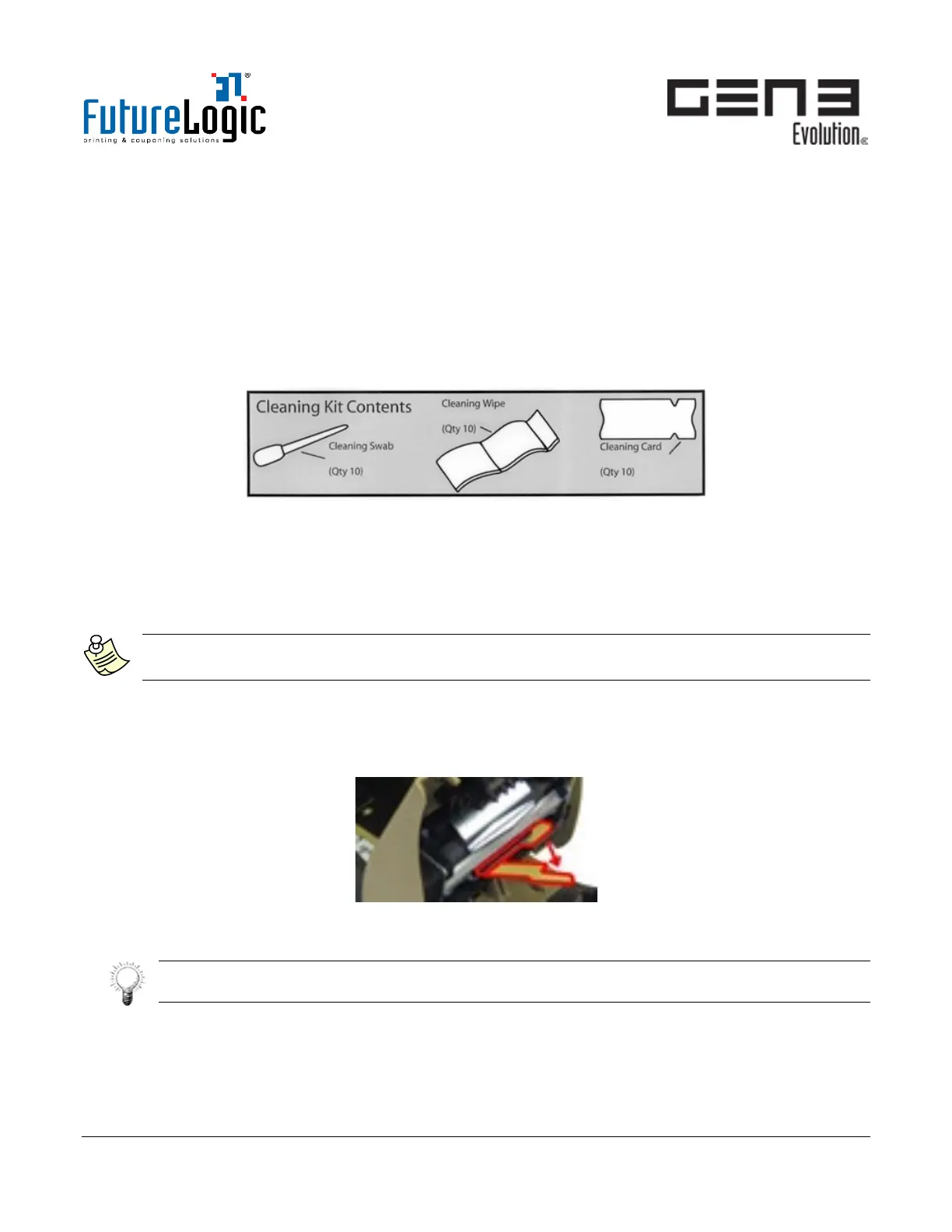
FutureLogic recommends our Cleaning Kits (P/N 350-00292-101) to clean the printer. Each kit includes a
cleaning swab, cleaning wipe and a feed-though cleaning card.
Figure 4-5 Printer Cleaning Kit
Pure water or Isopropyl Alcohol IPA Alcohol (99% or more) along with a dampened, lint-free cloth also is
sufficient to clean dirty sensors and rollers. Do not use tissue paper, which can disintegrate.
Procedure
Use the following order to minimize the transfer of dirt onto Sensors and the Print Head.
Note:
For detailed instructions, see the Printer Cleaning Guide (MNL-000054).
1. Pull the printer forward on its Sliding Base.
2. Remove any loaded ticket.
3. Raise the Printer Lid.
4. Pull the Print Head Release Lever to release the Print Head.
Figure 4-6 Pull Print Head Release Lever
5. Blow or brush away any excess dirt.
Tip:
An air nozzle is ideal to blow away dust.



 To Next Page