14 GPSMAP 4000 Series Owner’s Manual
uSInG chartS
USinG
ChartS
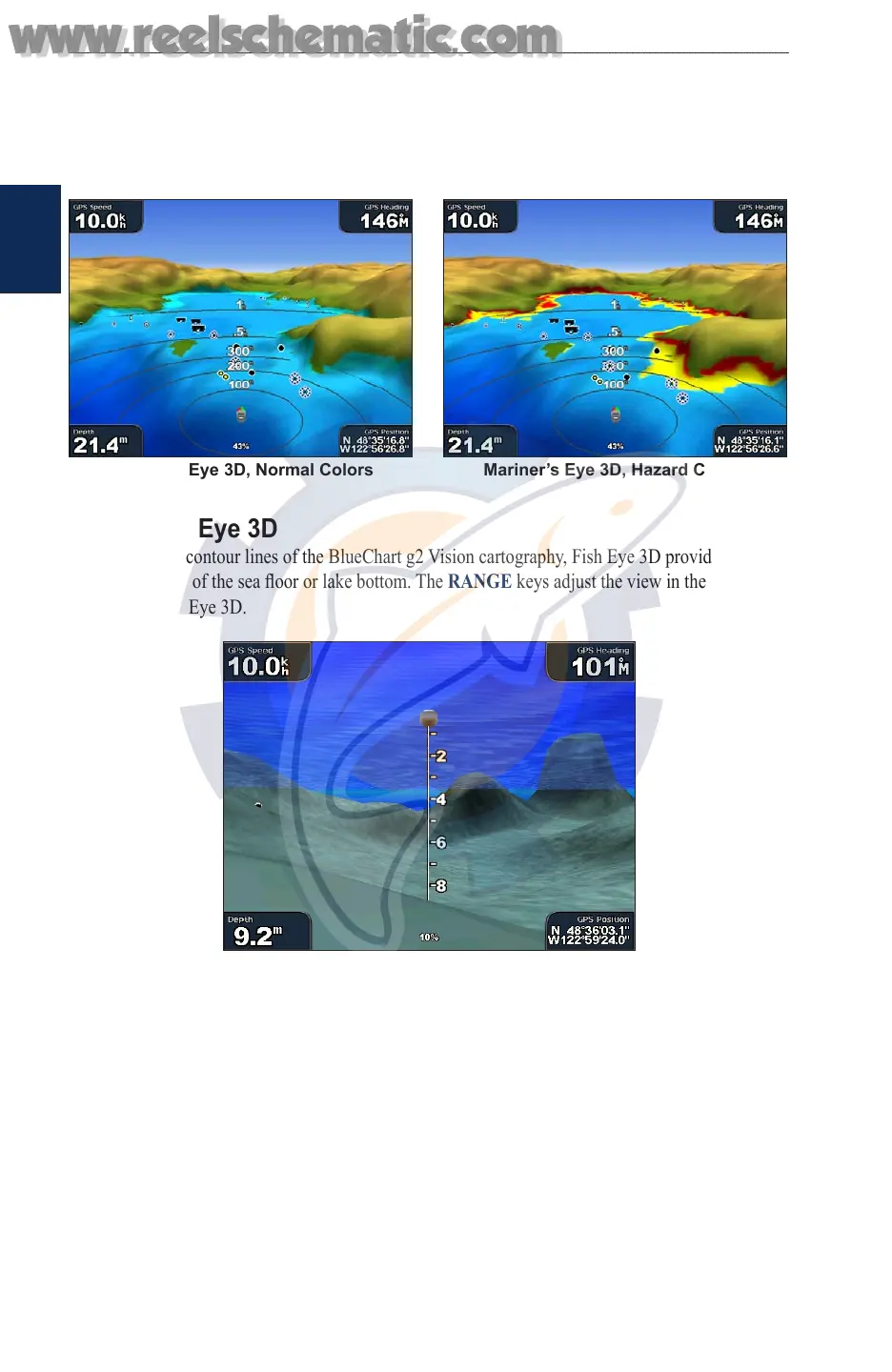
Colors —selects between Normal (Default), Water Hazard, and All Hazard. The Normal setting
shows the land as seen from the water. The Water Hazard setting indicates shallow water and land
with a color scale. Blue indicates deep water, yellow is shallow water, and red is very shallow. The
Water Hazard setting indicates land in green and brown, and the All Hazard setting shows land as
dark red.
Mariner’s Eye 3D, Normal Colors Mariner’s Eye 3D, Hazard Colors
Using Fish Eye 3D
Using the depth contour lines of the BlueChart g2 Vision cartography, Fish Eye 3D provides an
underwater view of the sea oor or lake bottom. The RANGE keys adjust the view in the same way
as the Mariner’s Eye 3D.
Fish Eye 3D
Fish Eye 3D Settings
To access additional settings or options for the Fish Eye 3D screen, press MENU.
Sonar Cone—turns a cone on or off that shows the area covered by your transducer.
Sonar Data—shows the sonar readings received by your transducer for the best combination of
sonar and mapping.
Tracks—turns the track log on or off.
Overlay Numbers—show or hide cruising, navigation, shing, sailing, fuel, or XM audio numbers
just as on the navigation chart (page 6).
www.reelschematic.com
www.reelschematic.com













 To Next Page