GPSMAP 4000 Series Owner’s Manual 55
uSInG Xm
USinG Xm
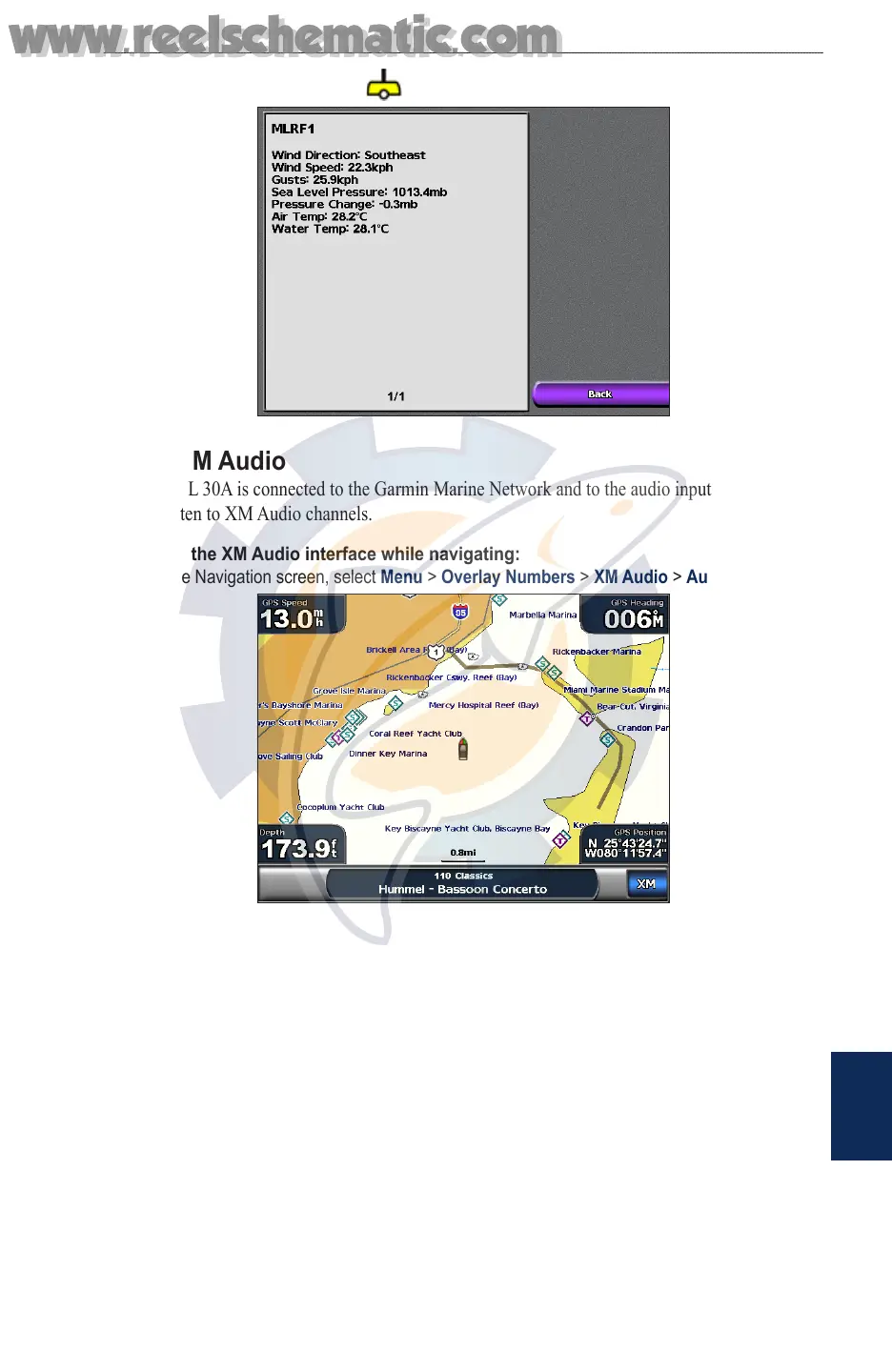
To view a buoy report, select a buoy on the screen. Select Buoy.
Using XM Audio
When a GDL 30A is connected to the Garmin Marine Network and to the audio input of your boat,
you can listen to XM Audio channels.
To display the XM Audio interface while navigating:
From the Navigation screen, select Menu > Overlay Numbers > XM Audio > Auto.
www.reelschematic.com
www.reelschematic.com













 To Next Page