56 GPSMAP 4000 Series Owner’s Manual
uSInG Xm
USinG Xm
To use the XM Audio Guide:
While the XM audio interface is displayed on the Navigation chart, press the bottom soft key.
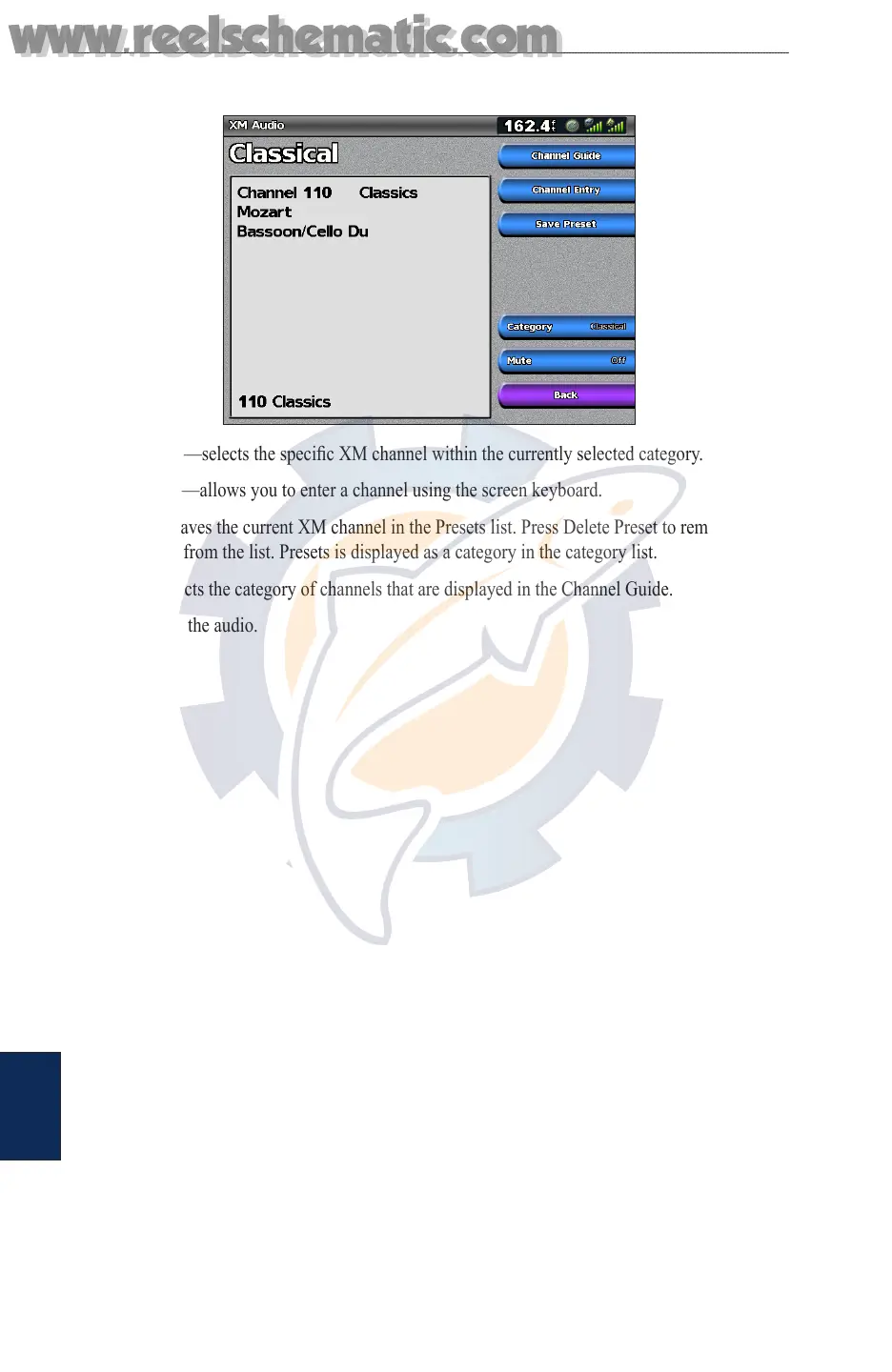
Channel Guide—selects the specic XM channel within the currently selected category.
Channel Entry—allows you to enter a channel using the screen keyboard.
Save Preset—saves the current XM channel in the Presets list. Press Delete Preset to remove the
current channel from the list. Presets is displayed as a category in the category list.
Category—selects the category of channels that are displayed in the Channel Guide.
Mute—silences the audio.
www.reelschematic.com
www.reelschematic.com













 To Next Page