2 GPSMAP 4000 Series Owner’s Manual
GettInG Started
GettinG
Started
Power/Backlight
To turn the chartplotter on, press and release the Power key. When the Warning screen appears,
press SELECT to open the Home screen.
NOTE: The rst time you power on your unit, you must go through a setup sequence. See page 58 for
details.
Warning Screen Home Screen
To turn the chartplotter off, press and hold the Power key.
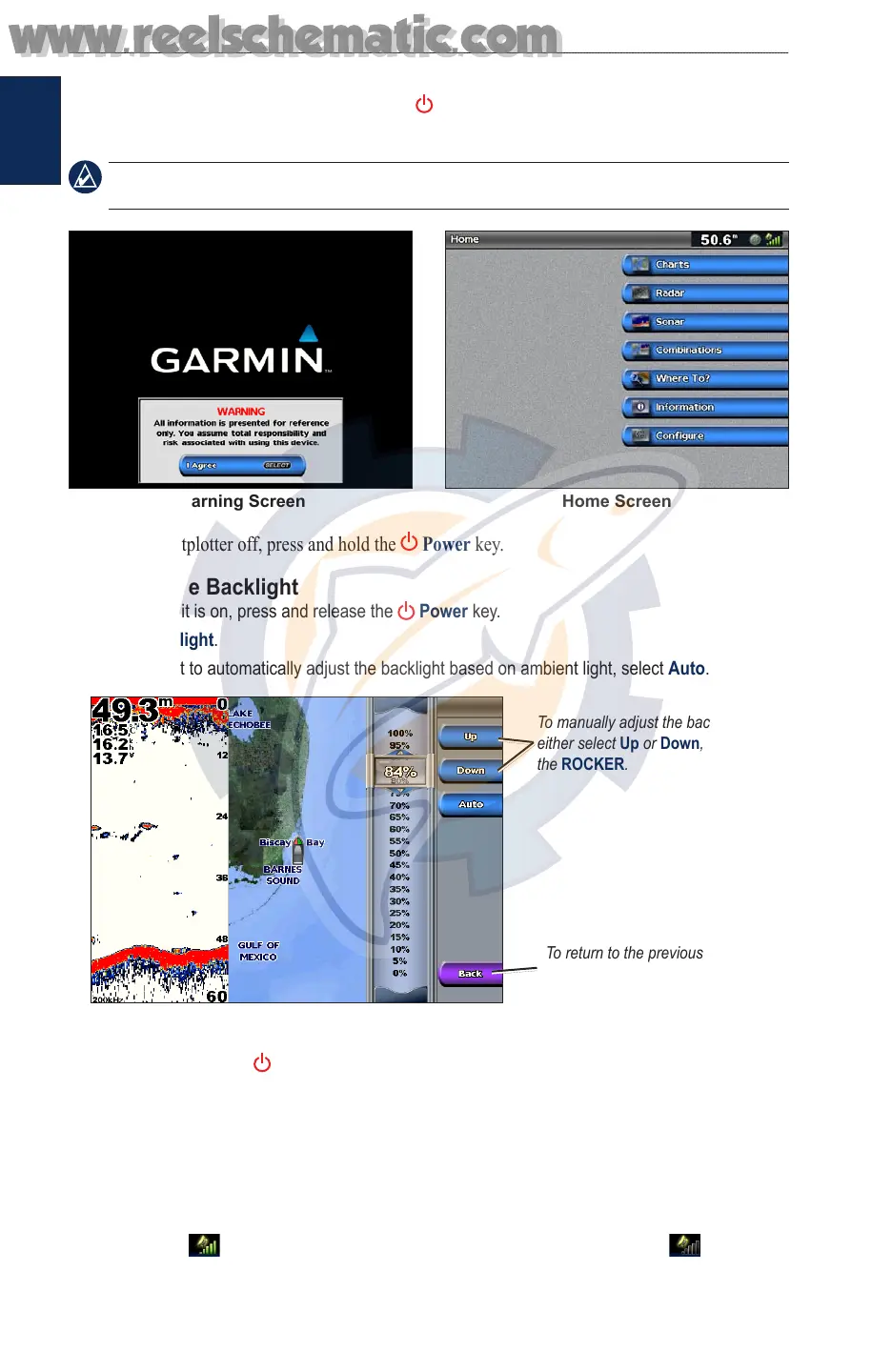
Adjusting the Backlight
1. While the unit is on, press and release the Power key.
2. Select Backlight.
To allow the unit to automatically adjust the backlight based on ambient light, select Auto.
To manually adjust the backlight,
either select Up or Down, or use
the ROCKER.
To return to the previous screen,
select Back.
Adjusting the Color Mode
1. Press and release the POWER key.
2. Select Color Mode.
3. Select Day Colors, Night Colors, or Auto.
Acquiring GPS Satellite Signals
When you turn the unit on, the GPS receiver must collect satellite data and establish its current
location. When the unit acquires satellite signals, the signal strength bars at the top of the Home
screen are green . When the unit loses satellite signals, the green bars disappear and a
ashing question mark is indicated on the boat icon (on the chart screen).
www.reelschematic.com
www.reelschematic.com













 To Next Page