GPSMAP 4000 Series Owner’s Manual 17
uSInG chartS
USinG
ChartS
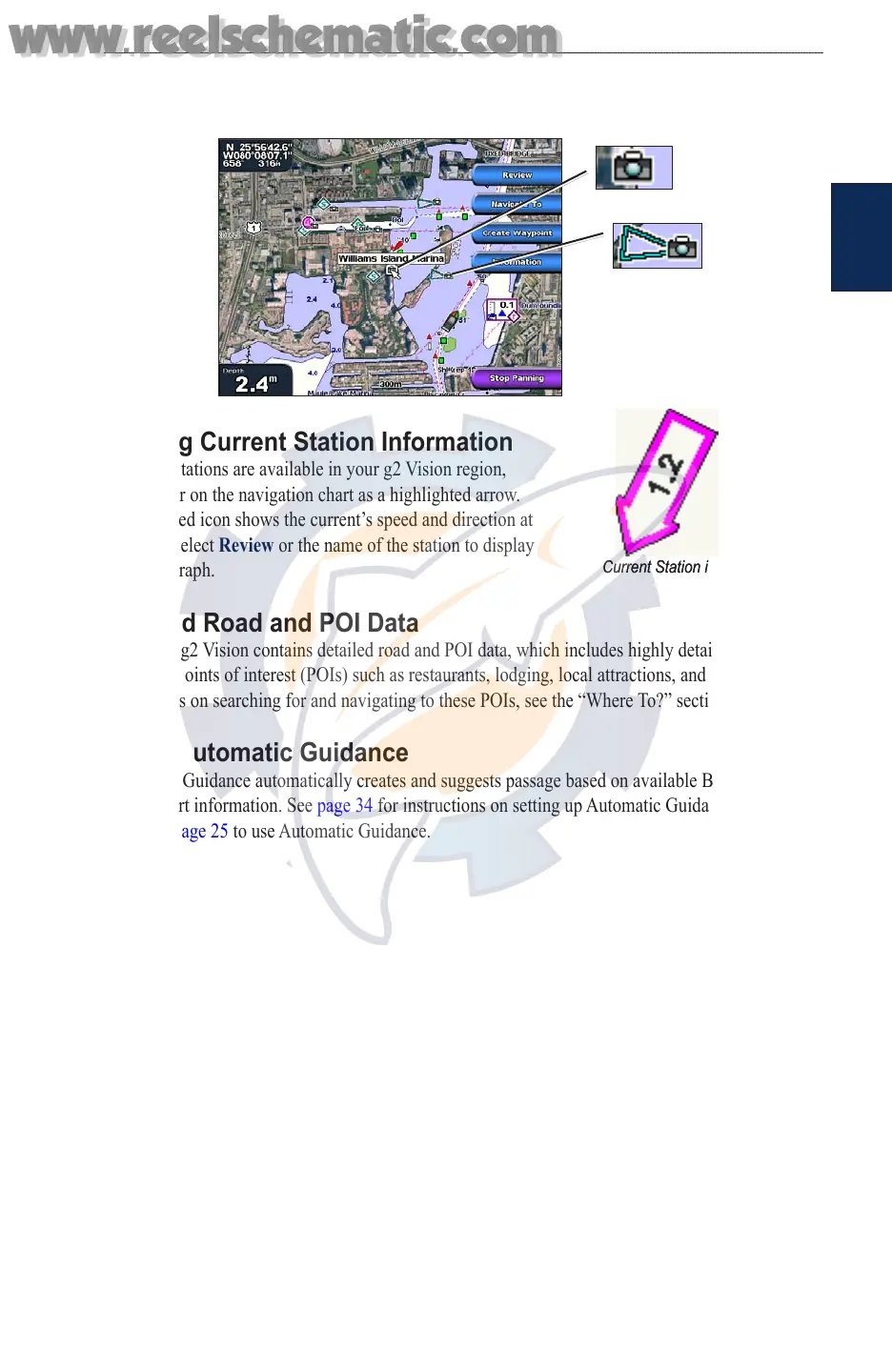
To access aerial photos from the navigation chart:
Use the ROCKER to highlight a camera icon with the pointer, and select Aerial Photo or
Review.
Perspective
Overhead
Viewing Current Station Information
If current stations are available in your g2 Vision region,
they appear on the navigation chart as a highlighted arrow.
This detailed icon shows the current’s speed and direction at
a glance. Select Review or the name of the station to display
a current graph.
Detailed Road and POI Data
BlueChart g2 Vision contains detailed road and POI data, which includes highly detailed coastal
roads and points of interest (POIs) such as restaurants, lodging, local attractions, and more. For
instructions on searching for and navigating to these POIs, see the “Where To?” section on page 20.
Using Automatic Guidance
Automatic Guidance automatically creates and suggests passage based on available BlueChart g2
Vision chart information. See page 34 for instructions on setting up Automatic Guidance for your
boat. See page 25 to use Automatic Guidance.
Current Station iconCurrent Station icon
www.reelschematic.com
www.reelschematic.com













 To Next Page