34 GPSMAP 4000 Series Owner’s Manual
confIGurInG the unIt
ConfiGUrinG
the Unit
Setting System Alarms
To set a system alarm, from the Home screen, select Congure > Alarms > System.
Clock—sets an alarm using the system (GPS) clock. The unit must be on for the clock alarm to
work.
Battery—sets an alarm to sound when the battery reaches a user-determined low voltage.
GPS Accuracy—sets an alarm to sound when the GPS location accuracy falls outside the user-
determined value.
Setting Sonar Alarms
To set a sonar alarm, from the Home screen, select Congure > Alarms > Sonar.
NOTE: You must have an optional sonar module (and a transducer connected to the sounder module)
wired via NMEA 0183 or connected to the Garmin Marine Network to receive sonar information.
Shallow Water/Deep Water—sets an alarm to sound when the depth is less than or greater than the
specied value.
Water Temp—sets an alarm to sound when the transducer reports a temperature that is 2° F (1.1° C)
above or below the specied temperature.
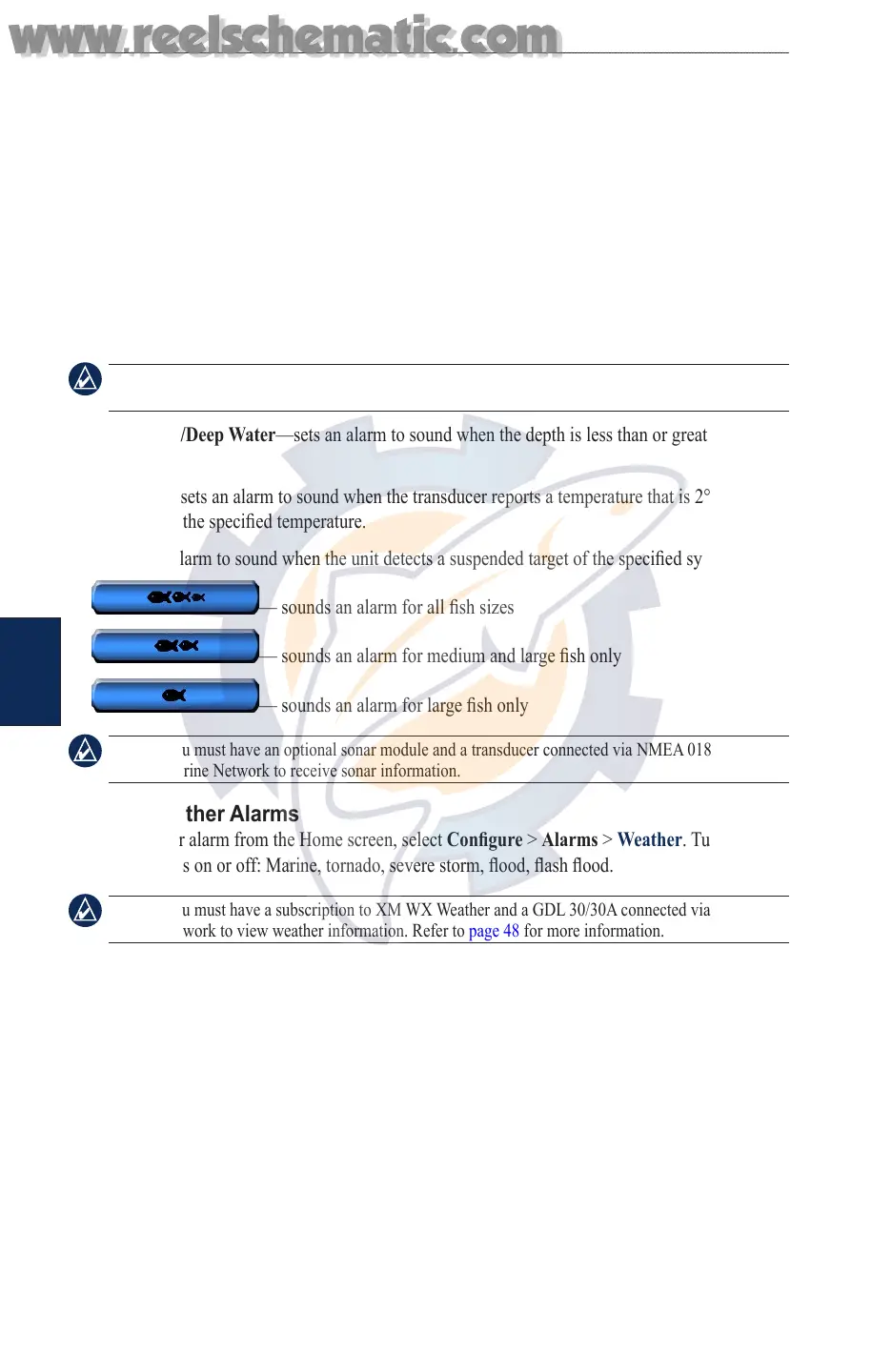
Fish—sets an alarm to sound when the unit detects a suspended target of the specied symbols.
— sounds an alarm for all sh sizes
— sounds an alarm for medium and large sh only
— sounds an alarm for large sh only
NOTE: You must have an optional sonar module and a transducer connected via NMEA 0183 or the
Garmin Marine Network to receive sonar information.
Setting Weather Alarms
To set a weather alarm from the Home screen, select Congure > Alarms > Weather. Turn the
following alarms on or off: Marine, tornado, severe storm, ood, ash ood.
NOTE: You must have a subscription to XM WX Weather and a GDL 30/30A connected via the Garmin
Marine Network to view weather information. Refer to page 48 for more information.
Conguring My Boat
To congure settings for your boat - from the Home screen, select Congure > My Boat.
Auto Guidance—sets the Auto Guidance parameters for your boat:
Safe Depth—sets the minimum depth (chart depth datum) to allow when calculating an auto
guidance path. A safe depth of less than one meter is not allowed when using Auto Guidance.
Safe Height—sets the minimum height (chart height datum) of a bridge that your boat can safely
travel under.
Keel Offset—offsets the surface reading for the depth of a keel, making it possible to measure depth
from the bottom of the keel instead of from the transducer location. Enter a positive number to offset
for a keel. You can enter a negative number to compensate for a large vessel that may draw several
feet of water.
•
•
www.reelschematic.com
www.reelschematic.com













 To Next Page