4 GPSMAP 4000 Series Owner’s Manual
GettInG Started
GettinG
Started
To turn the Simulator Mode on:
From the Home screen select Congure > System > Simulator > On.
Select Setup to set speed, track control (simulated heading), position, simulator time, and
simulator date.
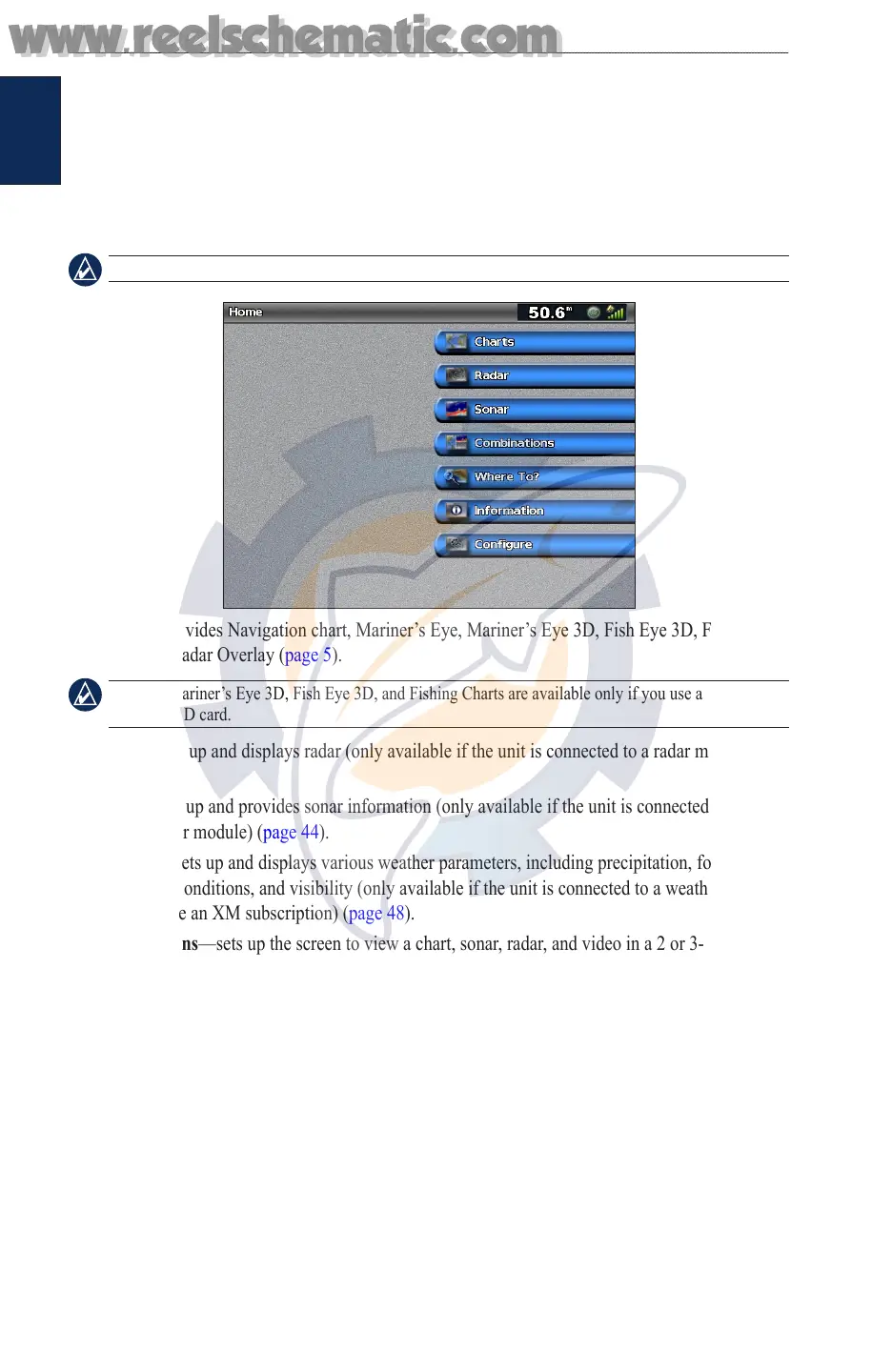
Understanding the Home Screen
Use the Home screen to access all other screens.
NOTE: Options on this screen vary based on the unit type and optional connected network devices.
Charts—provides Navigation chart, Mariner’s Eye, Mariner’s Eye 3D, Fish Eye 3D, Fishing
Chart, and Radar Overlay (page 5).
NOTE: Mariner’s Eye 3D, Fish Eye 3D, and Fishing Charts are available only if you use a BlueChart
g2 Vision SD card.
Radar—sets up and displays radar (only available if the unit is connected to a radar module)
(page 39).
Sonar—sets up and provides sonar information (only available if the unit is connected to a
Garmin sonar module) (page 44).
Weather—sets up and displays various weather parameters, including precipitation, forecast,
shing, sea conditions, and visibility (only available if the unit is connected to a weather module
and you have an XM subscription) (page 48).
Combinations—sets up the screen to view a chart, sonar, radar, and video in a 2 or 3-eld split
screen (page 18).
Where To?—provides navigation features (page 20).
Information—shows information including tides, currents, celestial data, user data, information
about other boats, gauges, and video (page 26).
Congure—allows you to view and edit your unit and system settings (page 31).
•
•
•
•
•
•
•
•
www.reelschematic.com
www.reelschematic.com













 To Next Page