54 GPSMAP 4000 Series Owner’s Manual
uSInG Xm
USinG Xm
Viewing Fish Forecasting
To view areas that contain optimal weather conditions for specic species of sh, from the Home
screen select Weather > Fishing > Menu > Fish Species. Select a species of sh. Shaded areas
indicate optimal shing areas.
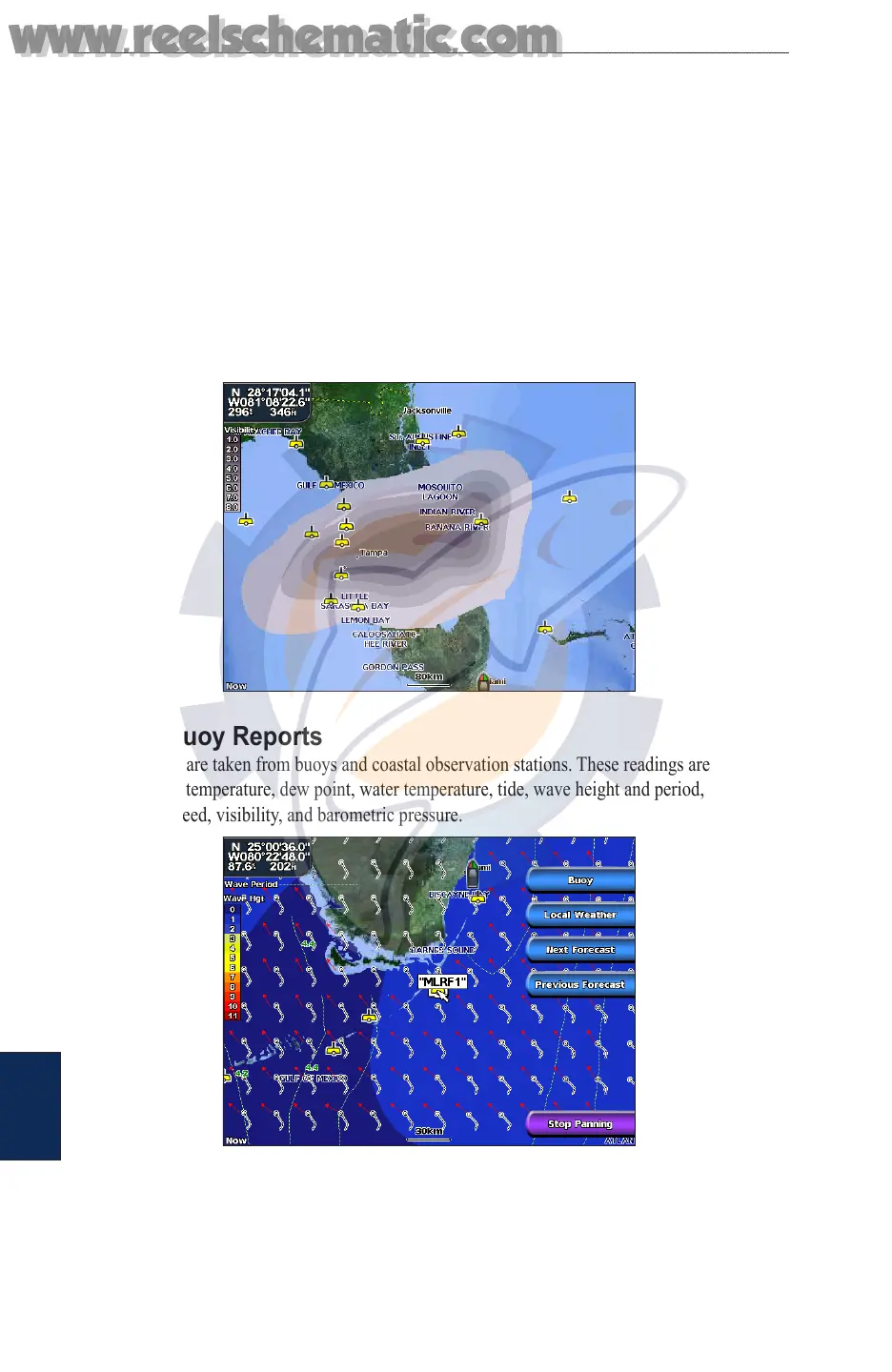
Viewing Visibility Information
To view visibility information from the Home screen select Weather > Visibility. Visibility is the
forecast maximum horizontal distance that can be seen at the surface, as indicated by the legend
on the left of the screen. Contour lines on the Visibility feature show the forecasted change in
surface visibility. To view the forecasted visibility for another time period, select Next Forecast.
The forecasted visibility for the next 12 hours is shown. Continue to select Next Forecast to view
forecasts for the next 24 and 36 hours.
Viewing Buoy Reports
Report readings are taken from buoys and coastal observation stations. These readings are used
to determine air temperature, dew point, water temperature, tide, wave height and period, wind
direction and speed, visibility, and barometric pressure.
www.reelschematic.com
www.reelschematic.com













 To Next Page