GPSMAP 4000 Series Owner’s Manual 23
Where to?
Where
to?
To mark your current location as a waypoint:
From any screen, press the MARK key.
Edit Waypoint—designates a specic name, symbol, water depth, water temperature, or
position.
Delete—deletes the waypoint.
Man Overboard—designates the current location as a Man Overboard location.
Next Page/Previous Page—switches between waypoint information and the navigation chart.
Back—saves the waypoint and returns to the navigation chart.
NOTE: Selecting Mark only creates a waypoint at your present location.
To mark an MOB (Man Overboard) location:
When you mark a waypoint, you can designate it as an MOB (Man Overboard). This marks the point
and sets a course back to the marked location. When an MOB is active, an MOB waypoint with an
international MOB symbol is created, and the unit is on an active navigation to that point.
1. From any screen, press the MARK key.
2. Select Man Overboard.
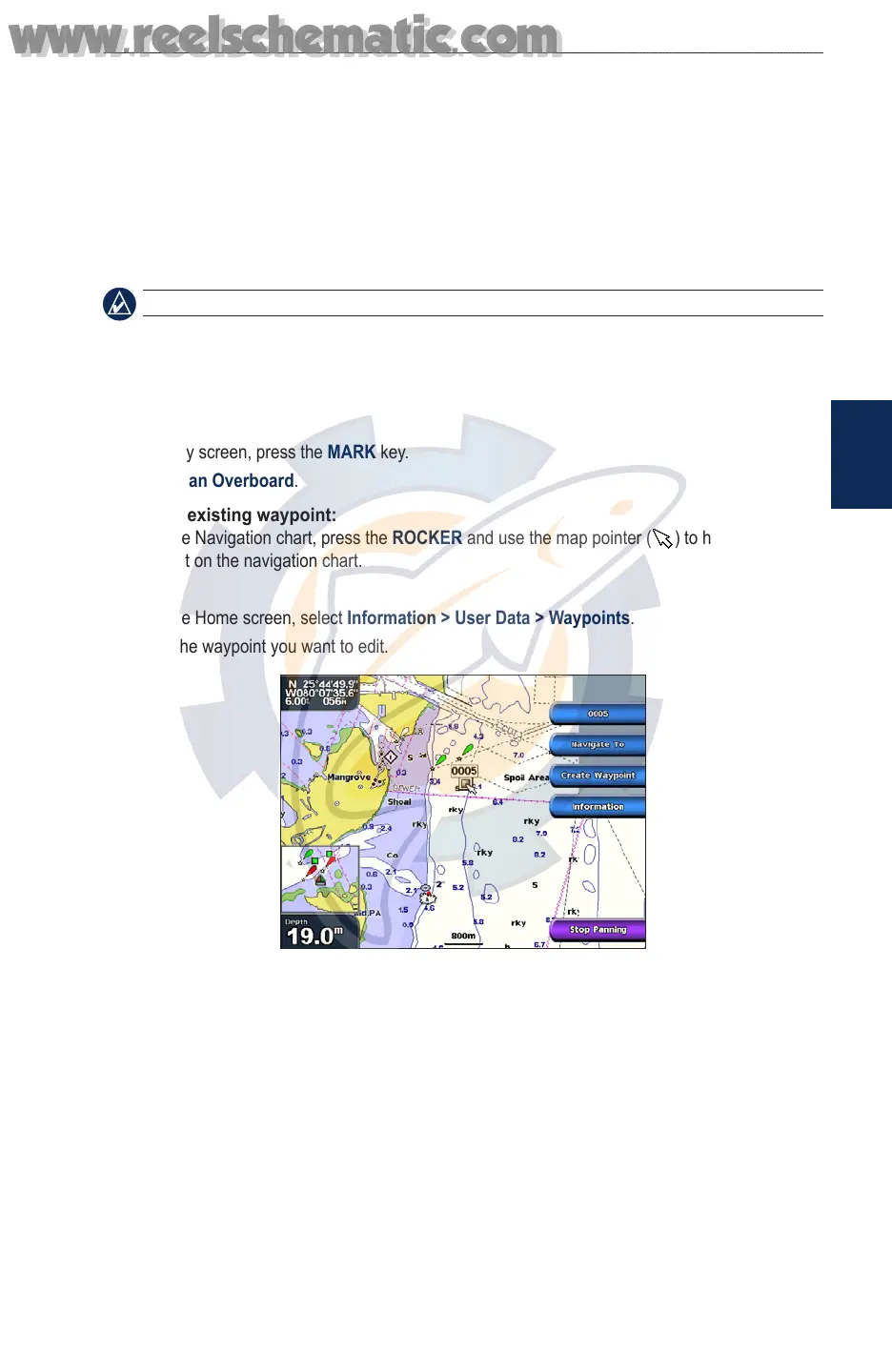
To edit an existing waypoint:
1. From the Navigation chart, press the ROCKER and use the map pointer ( ) to highlight the
waypoint on the navigation chart.
OR
From the Home screen, select Information > User Data > Waypoints.
2. Select the waypoint you want to edit.
3. Select Edit Waypoint.
4. Select the waypoint attribute you want to change (Name, Symbol, Depth, Water Temp, or
Position).
To move the waypoint on the navigation chart:
1. Select the waypoint on the navigation chart.
2. Select Review. (The Review button is only shown when more than one waypoint is in the
vicinity.)
3. Select the waypoint you want to edit.
4. Select Edit Waypoint > Position.
5. Select Use Chart or Enter Coordinates.
•
•
•
•
•
www.reelschematic.com
www.reelschematic.com













 To Next Page