GPSMAP 4000 Series Owner’s Manual 49
uSInG Xm
USinG Xm
To view the weather legend from the Home screen, select Weather > Weather Setup > Legend >
Show. NEXRAD is shown independently or with a variety of other weather information.
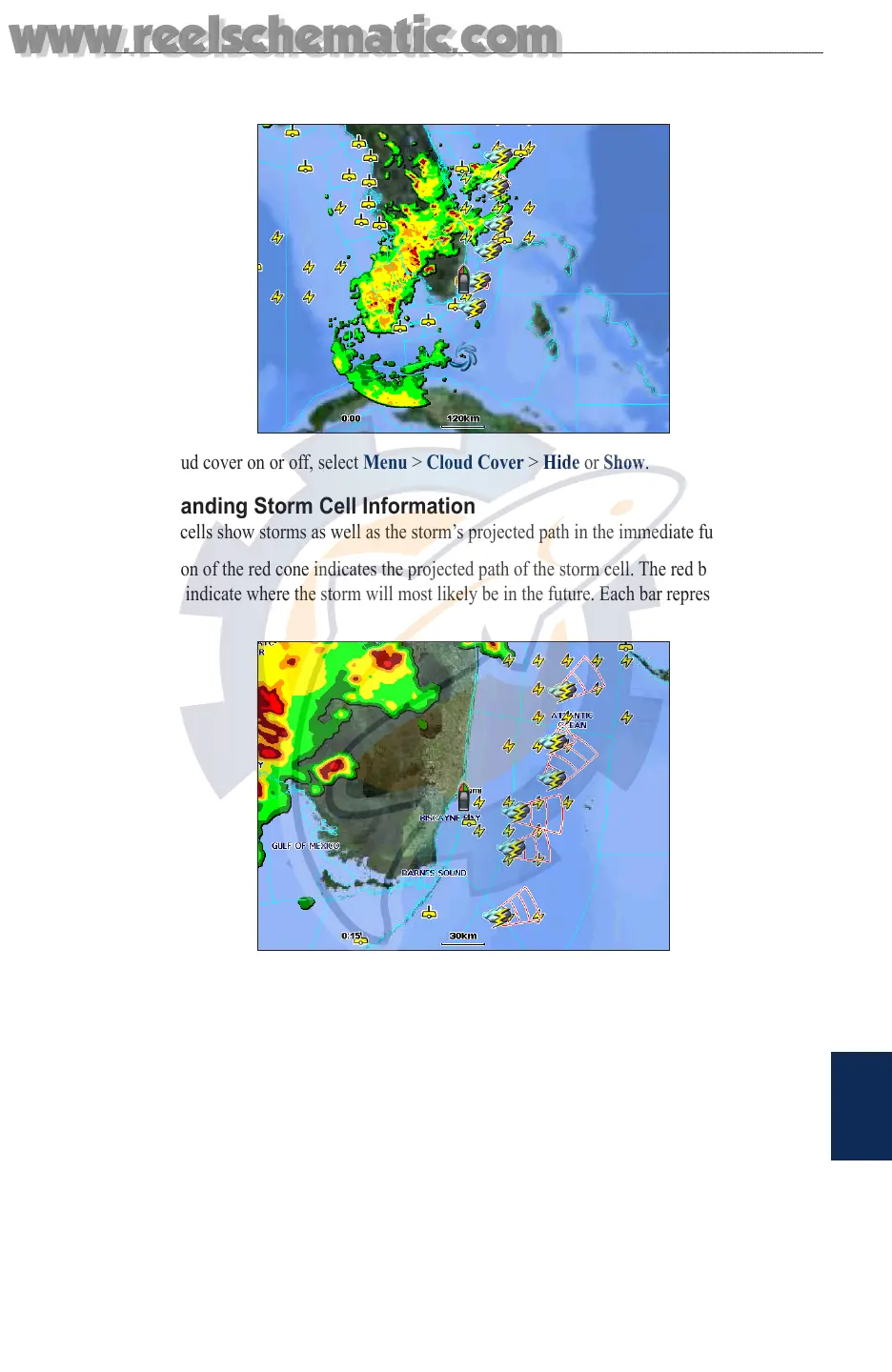
To turn cloud cover on or off, select Menu > Cloud Cover > Hide or Show.
Understanding Storm Cell Information
The storm cells show storms as well as the storm’s projected path in the immediate future.
The direction of the red cone indicates the projected path of the storm cell. The red bars that appear
in the cone indicate where the storm will most likely be in the future. Each bar represents 15
minutes.
Understanding Lightning Information
Lightning strikes are represented by lightning bolt icons. Lightning appears on the map if strikes
were detected within the last seven minutes. The ground-based lightning detection network only
detects cloud-to-ground lightning.
www.reelschematic.com
www.reelschematic.com













 To Next Page