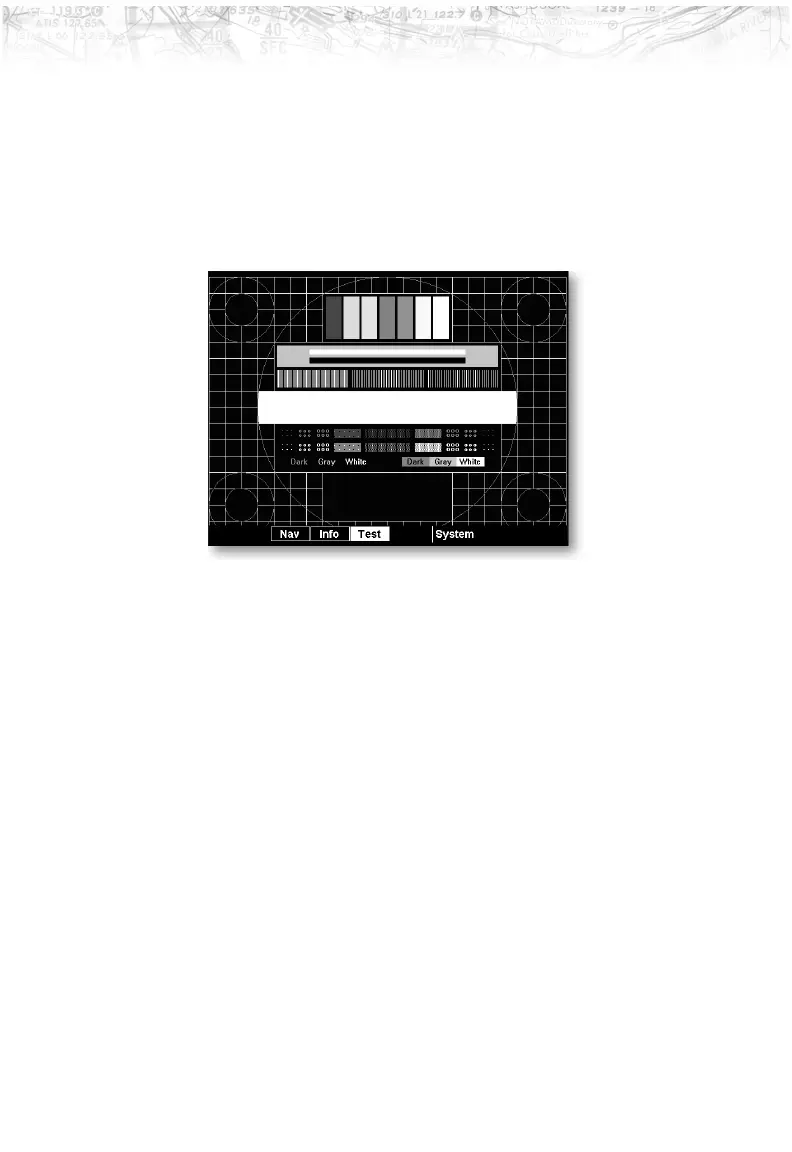
Test Pattern 1
The Test Pattern option displays a number of patterns
and colors to test the MX20 display. Use this option to
verify proper operation of the display or when contacting
Customer Service.
Red, Green, Blue, White Test Pattern
Choosing the Red, Green, Blue, or White options floods
the screen with the selected color. Use this option to verify
proper operation of the display or when contacting
Garmin Customer Service.
111
Detailed Operation













 To Next Page