Jeppesen. Currently not all charts and airport surface
charts are geo-referenced.
When a chart is viewed and a red “X” is present on the
earth symbol (to the left of the chart name), the chart is
NOT geo-referenced and thus cannot be “loaded.”
Chart Overlay in the Custom/IFR Map
On the Custom Map or the IFR En Route Map, approach
charts (not airport surface charts) must be manually
“loaded” as there are multiple approach charts that can
apply for a given region (i.e. multiple approach charts for
the same airport). An approach chart will be displayed as
an overlay when the following conditions are met:
·
The approach chart is within the database residing on
the card
·
The approach chart is geo-referenced by Jeppesen
·
The approach chart has been loaded
· The aircraft position is within the coverage of the
approach chart
·
The aircraft speed is above the air/ground threshold
(aircraft is in flight)
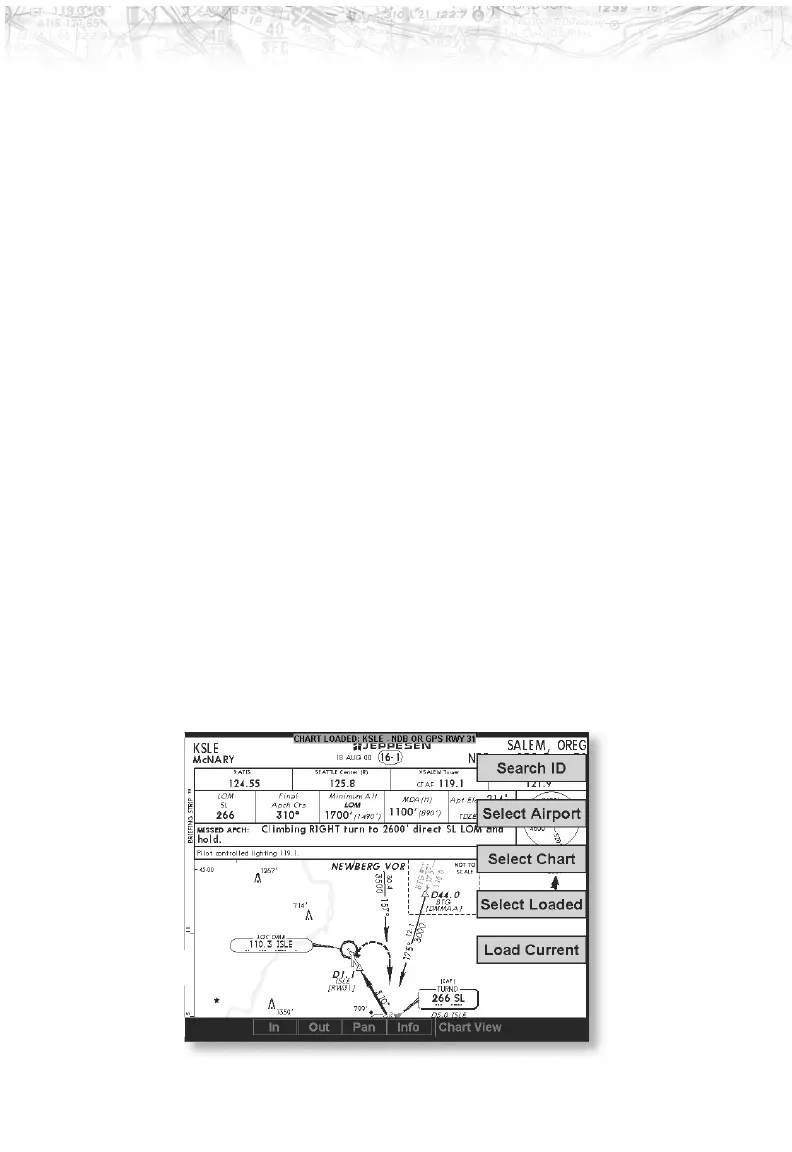
Load a specific approach chart for use as an overlay by first
selecting the airport and then selecting the approach chart.
88
Detailed Operation













 To Next Page