Color Description
RED Terrain that is at, or above, your current
altitude
YELLOW Terrain that is within 500 feet of your current
altitude
GREEN Terrain that is within 2000 feet of your
current altitude
BLACK Terrain that is more than 2000 feet below
your current altitude
LIGHT
BLUE
No terrain data is available
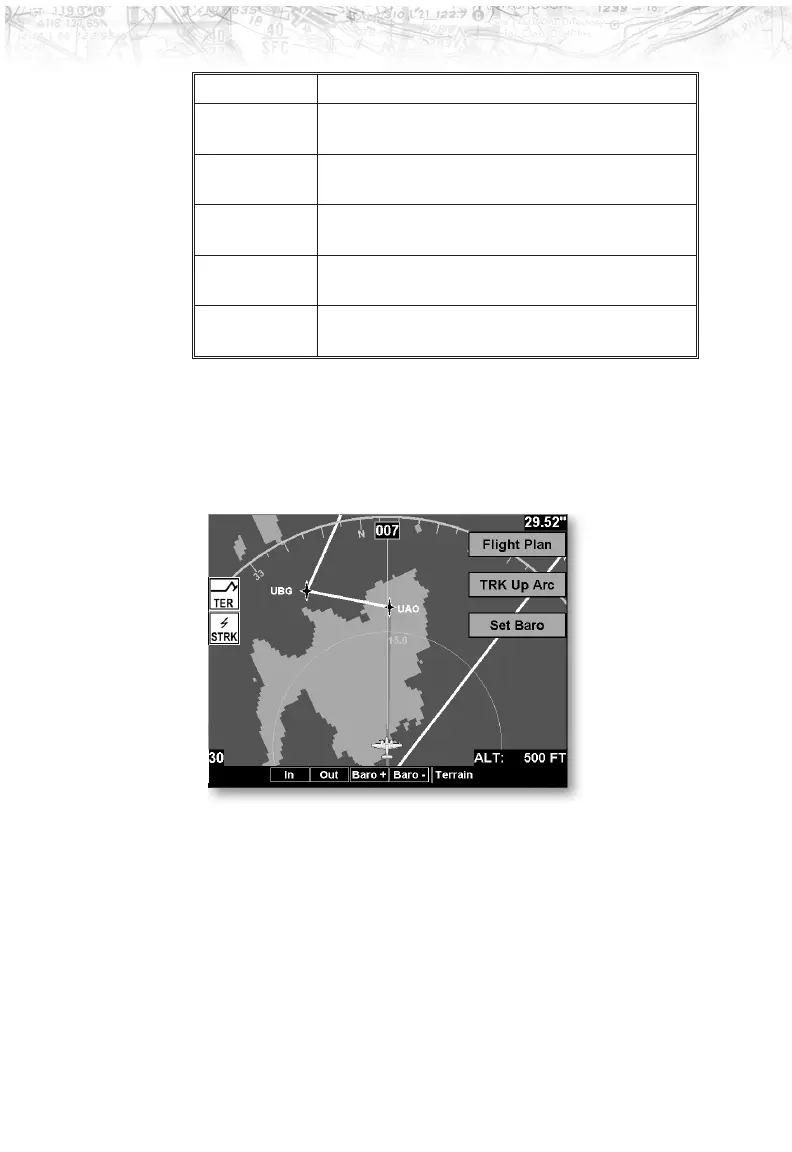
Terrain Option Page
The Terrain option page lets you select options for the
choices of Flight Plan, Map Orientation, and setting the
barometric pressure.
Flight Plan
The Flight Plan option controls the display of the Flight
Plan course line. Pressing the
LINE SELECT key next to
the Flight Plan option toggles between showing and not
showing the Flight Plan route line.
66
Detailed Operation













 To Next Page