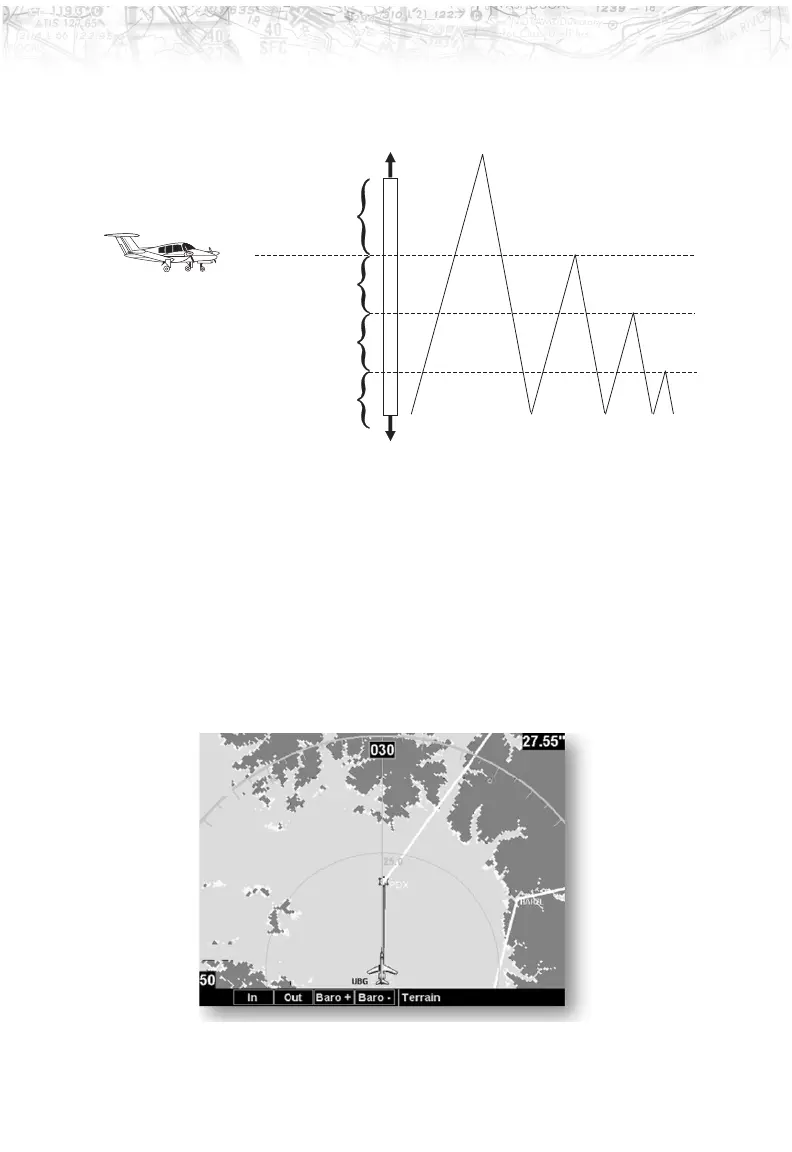
Use the IN and OUT keys at the bottom of the screen to
zoom in and zoom out. The zoom range is shown in the
lower left corner of the screen.
Use the
BARO+ and BARO- keys at the bottom of the
screen to make minor adjustments to the barometric
pressure value.
65
Detailed Operation
500 feet below your current altitude
Yellow
2000 feet below your current altitude
Black
Red
Green
Current Altitude
Highest Terrain
More than 2000 feet below your current altitude













 To Next Page