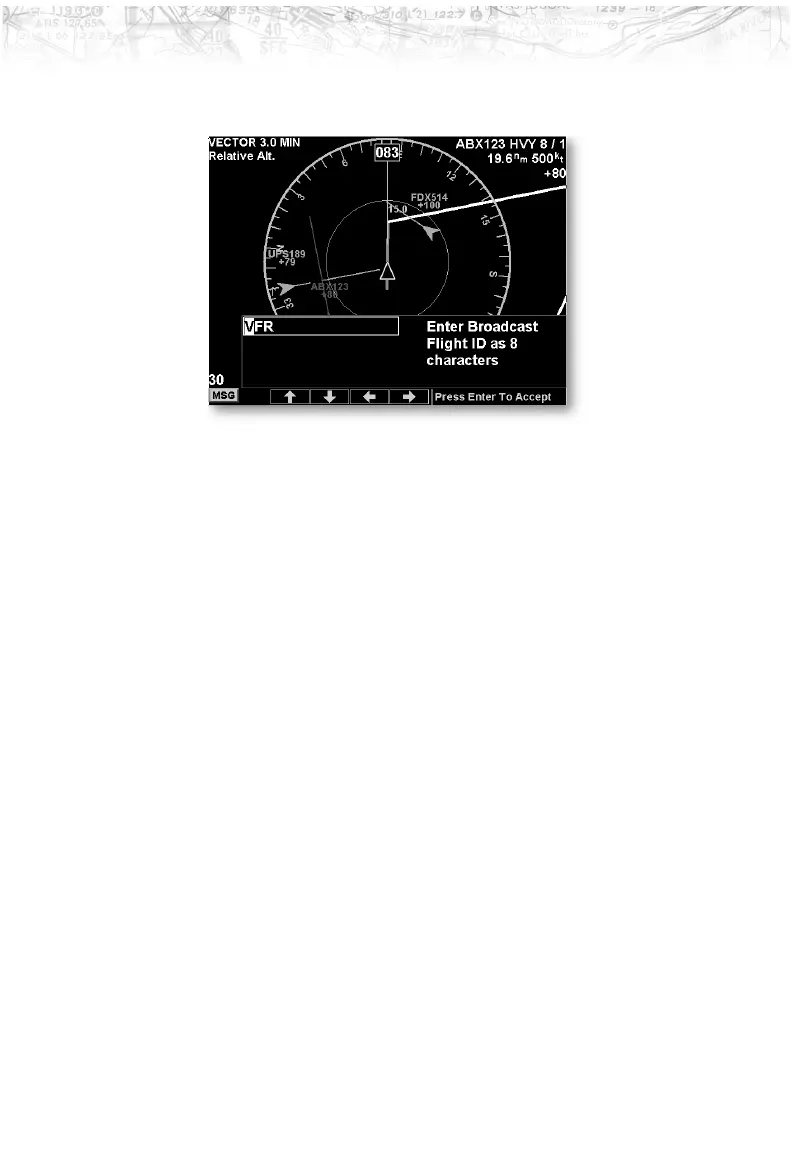
enabled. Note that the GDL 90 UAT does not allow the
space or period characters.
Time
The time interval option sets the amount of time to
estimate the path and location of the traffic. The path of
the traffic is shown by the line extending from the point
on the end of the traffic arrow icon. The end of the line
shows the point where the traffic item will be at the end of
the selected time interval. Select 1, 1.5, 2-5, or 10 minutes.
Press the Main Menu
LINE SELECT key to display the
next page of menu items.
Enter Code (GDL 90 UAT only)
This is where you enter the ATC-assigned transponder
code. This code entered into the MX20 does not control
the code on Mode A, C, or S transponders. It only sends
the selected code to the GDL 90 UAT for inclusion into
the position report.
57
Detailed Operation













 To Next Page