Initial Zoom Level
The initial zoom level that is used on start-up is
determined by a setting made in the System Function (see
page 106).
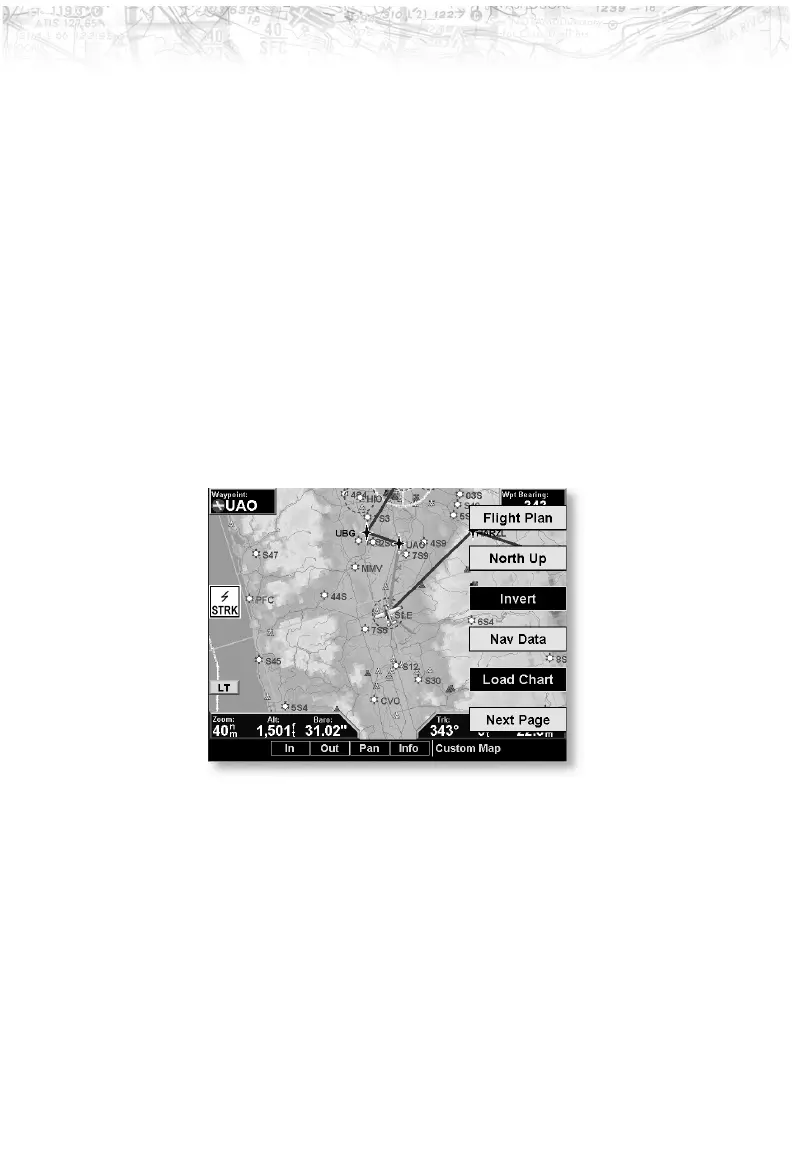
Custom Map Menu Option Page 1
The first option page of the Custom Map function lets you
select options for the choices of Flight Plan, map
orientation, Invert, Nav Data, and Load Chart. The last
option selection takes you to the next page of options. The
options have tri-state choices that are also shown visually.
When the option is clear, the icons and labels are not
displayed. When the option is solid, icons and labels are
all shown. When the option box is partially filled, only the
icons are shown.
Flight Plan
The Flight Plan option controls the display of the Flight
Plan course line. Pressing the
LINE SELECT key next to
the Flight Plan option toggles between showing or not
showing the Flight Plan route line.
25
Detailed Operation













 To Next Page