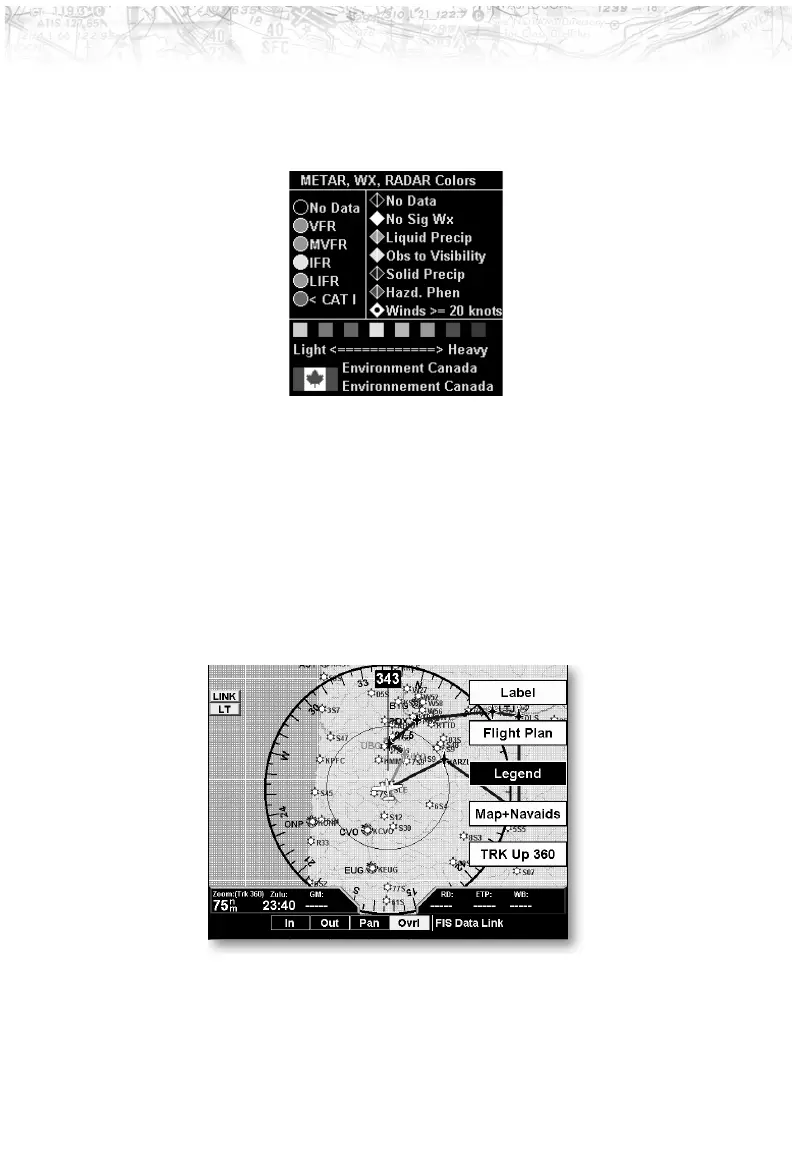
When viewing the Canadian radar data, the following
legends will appear. Only the lower portion of the legend
changes for Canadian radar data.
Map Detail
Press MENU/ENTER key and then press the Map Detail
Line Selection key to choose between the display of No
Overlays, the Base Map, or Map and Nav Aids.
Map Orientation
Press MENU/ENTER key and then press the Map
Orientation Line Selection key to choose the
configuration of the map orientation of DTK Up, North
Up, TRK Up, TRK Up Arc, or TRK Up 360.
76
Detailed Operation













 To Next Page