Pan
The Pan keys are used to move the display around so you
can see beyond the
initial boundaries of
the screen. The
PAN
function key is one of
the “smart” keys
available at the
bottom of the screen.
When you select the
Pan function, four
“arrow” keys appear
on the right side of
the screen next to the
LINE SELECT keys.
Move the map in the
desired direction by pressing the
LINE SELECT key next to
the arrow that shows you want the map to move. Press the
PAN key again to exit the Pan mode. While panning, a
green reference line is drawn from the center of the
viewed area back to your current position.
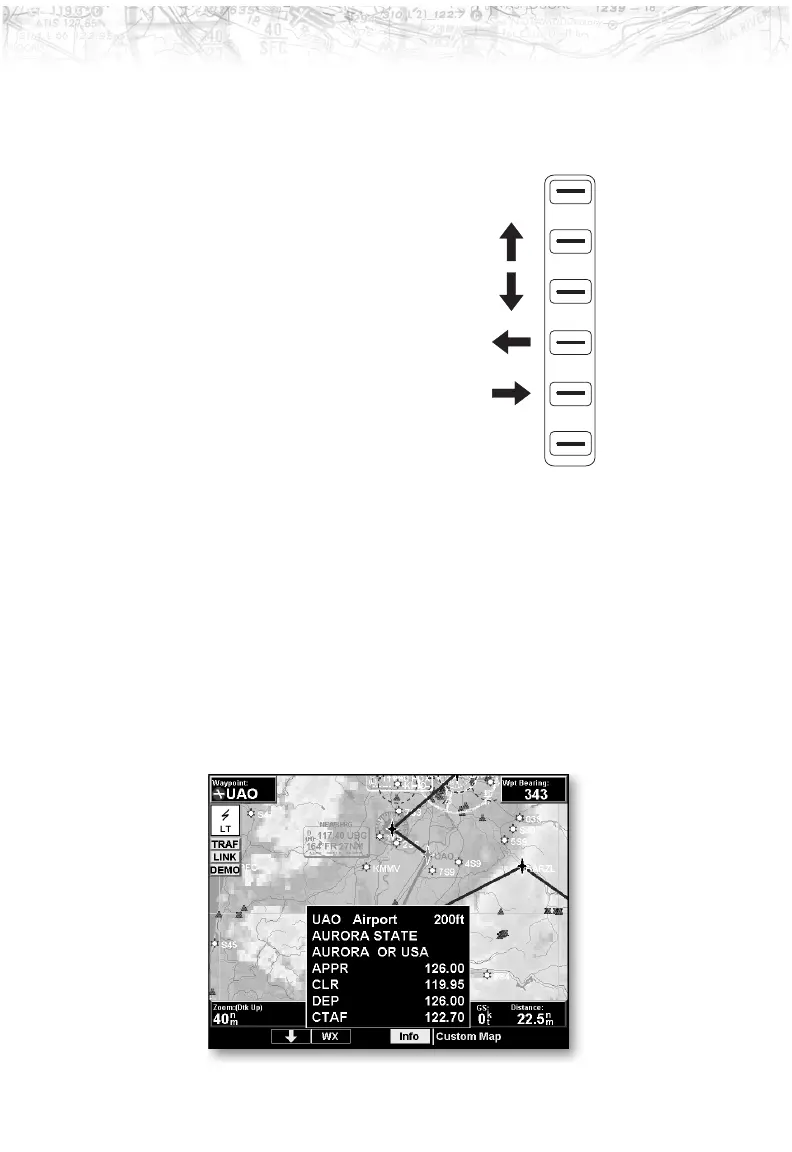
Info
Press the INFO “smart” key to toggle viewing of
information about the current “TO” waypoint. Press the
INFO key again to hide the information.
23
Detailed Operation













 To Next Page