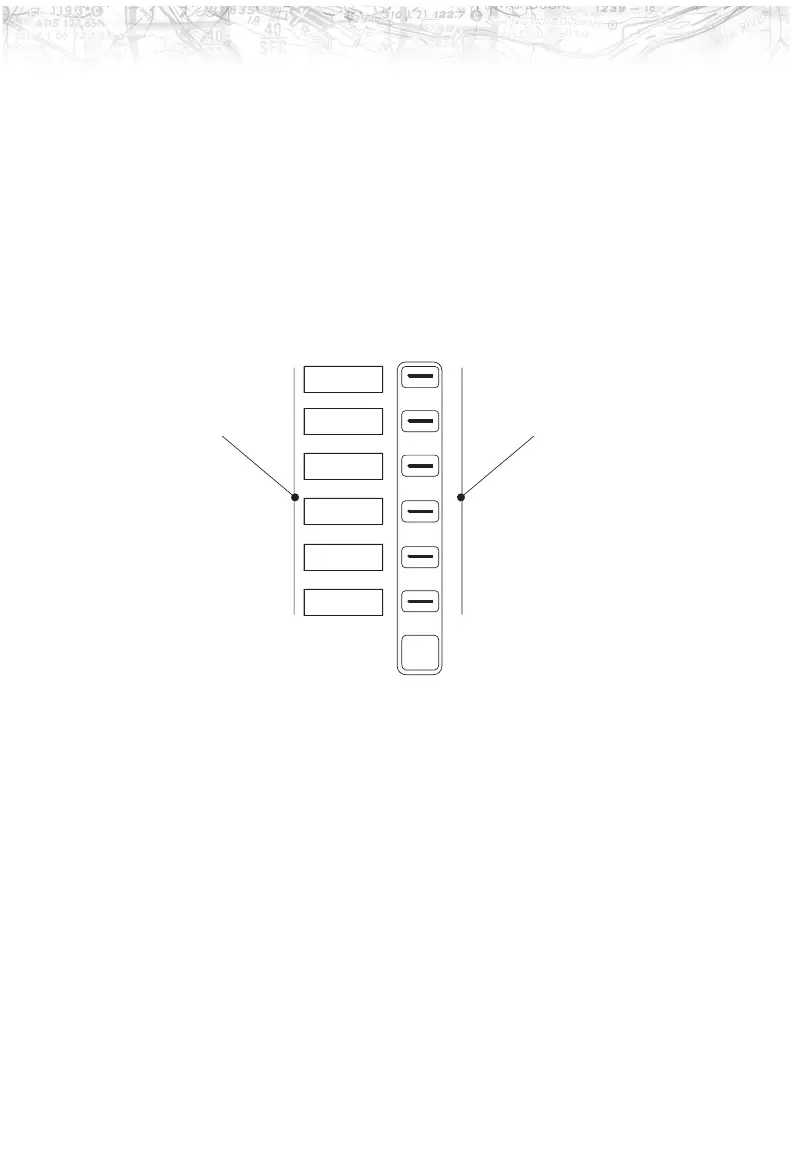
Line Selection
The Line Selection keys are on the right side of the MX20.
Press the
MENU/ENTER key to see the options for the
current function. Press the
LINE SELECT key next to each
option to scroll through the choices for each option. Some
options support tri-state choices, such as in Map mode.
When you select a tri-state option, the option label will
change with each key press between completely filled,
partially filled, and empty.
5
Getting Started
MENU
ENTER
Line Select Keys
Option 1
Option 2
Option 3
Option 4
Option 5
Option 6
Option Labels













 To Next Page