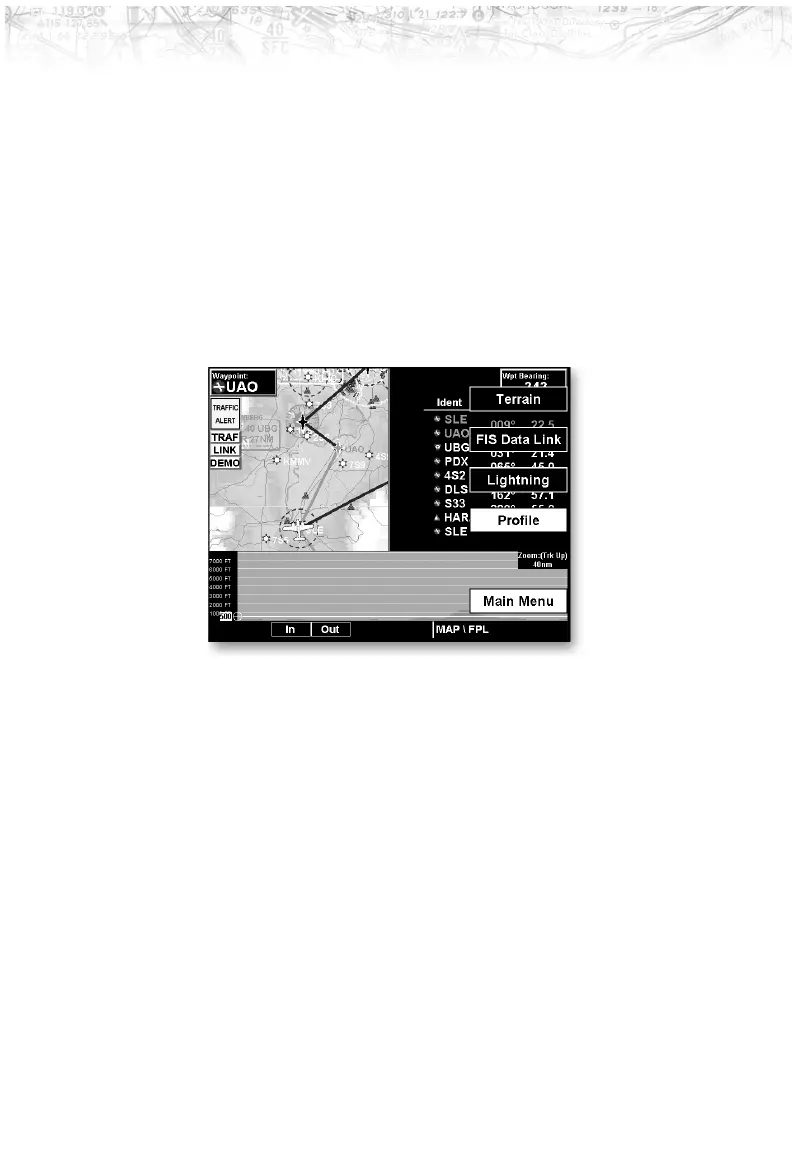
When two functions are displayed, the left and right
quarter of each function is not displayed, leaving the
center half of the original display. The image is not
compressed from full width to half width.
Functions with an ownship symbol are displayed in
Track-Up map orientation and do not include the track
line and compass rose.
Press the Main Menu Line Selection key to go to the next
page of the Menu.
44
Detailed Operation













 To Next Page