·
Flight Plan
·
Legend
·
Map Detail
·
Map Orientation
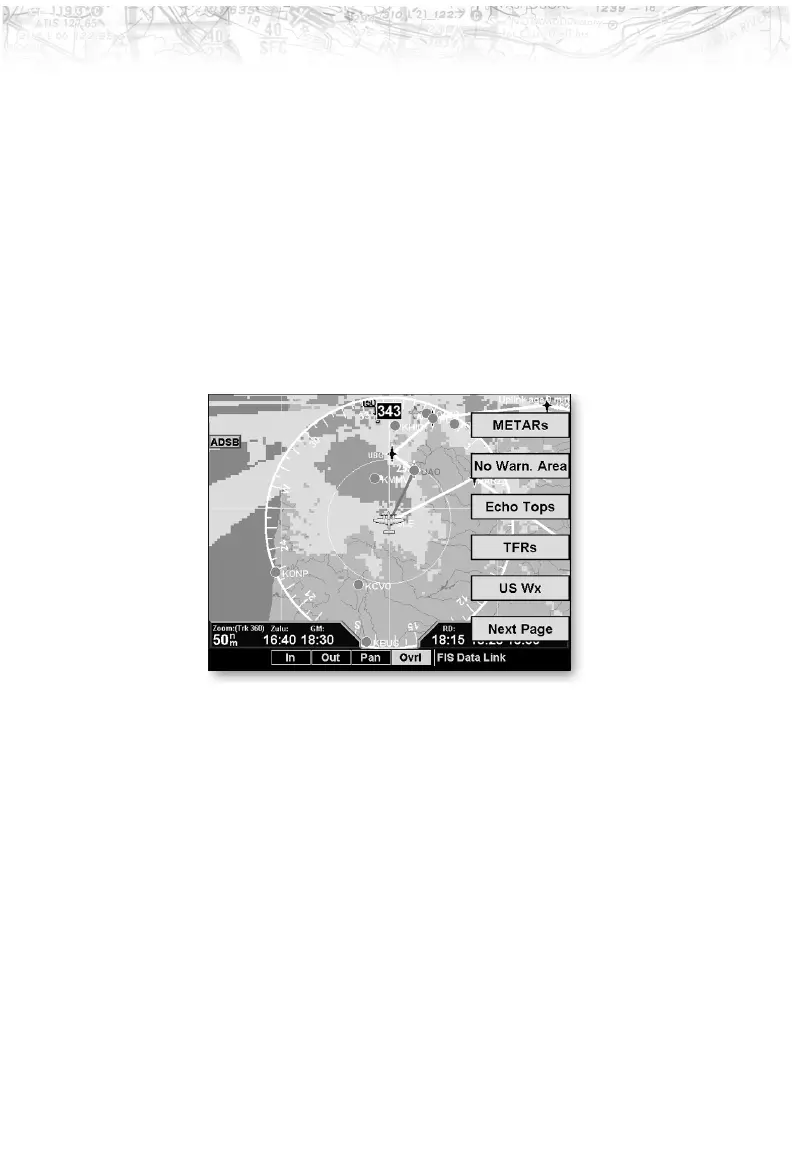
Menu Options for Overlay Page 1
1. Press the OVRL function key to allow selection of the
Overlay choices when viewing the Graphical WX
option.
2. Press
MENU/ENTER to display menu items for the
Overlay. Press
NEXT PAGE to see more options.
METARs
When enabled, METARs are available as colored circles or
diamonds at airports that provide METAR reports. Press
the METARs Line Select key to cycle through the options
of circular, diamond, or no METARs. Refer to the Legend
for a description of the color code. US and Canadian
METARS use the same color coding and will be shown at
the same time with a subscription to both products.
SIGMETs & AIRMETs
When enabled, the following SIGMETs and AIRMETs
are available for display:
·
“SIGMETs” are for Convective SIGMETs
·
“T AIRMET” is for Surface/Aloft Turbulence
AIRMETs
73
Detailed Operation













 To Next Page