C
HAPTER
2 -
Supervisor Overview
Supervisor Menus
DS2000-TS Administrator’s Guide
2 - 12
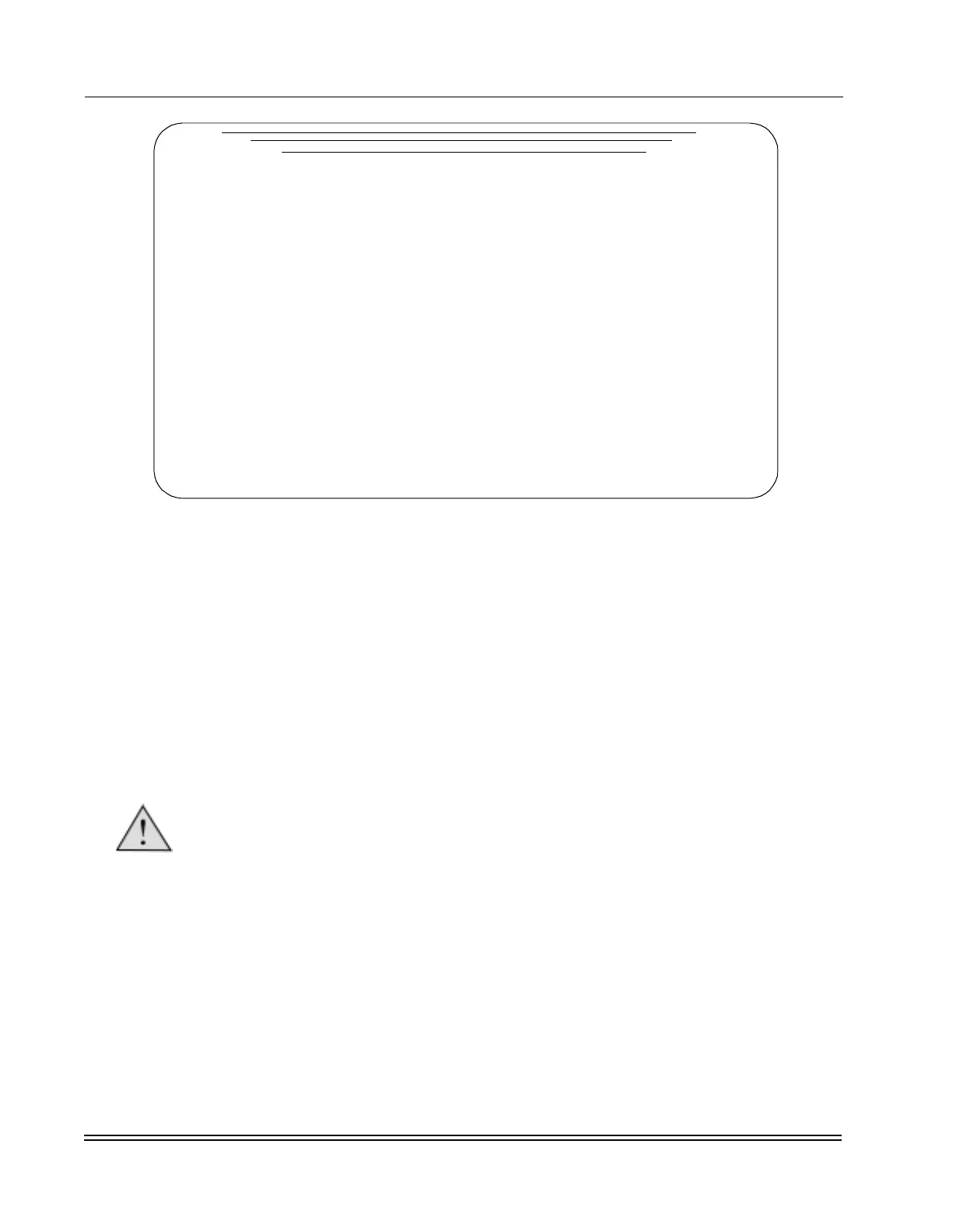
Figure 2-10. Security Functions Menu
To change the password of the root user or operators, Select <1> Password Change from the Security
Functions menu.
To set the access security parameters for the various system login accounts (user/operators), select <2>
Access Security from the Security Functions menu. The Access Control menu for the designated operators
appears. There are three types of security at the system level implemented on the DS2000-TS. These give
access by function and also by user password.
By selecting <3> Security Options from the Security menu the administrator can enable Enforce Secure
passwords. By selecting this method the system prompts for a user name as well as the use of minimum
length password and to use a mix of alpha and numeric characters, when new passwords are entered. To
enable the Enforce Secure password policy, select <3> Security Options from the Security menu.
<4> Console Monitor displays the monitor log and lets the operator configure which events are monitored.
Refer to Appendix D, “Security Commands” for details on setting other security options.
CAUTION: If the root password is lost the user must contact Dymec customer support. For
contact instructions refer to “Contacting Dymec” on pagevi.
*** Security Functions ***
1 - Password Change Set console user names & passwords
2 - Access Security Set operator menu access permissions
3 - Security Options Set validation options and methods
4 - Console Monitor Display or configure console monitor log
Enter command number:
_________[DynaStar_6b2c]__________
Terminate input with <RET> Press ESC to return to previous menu



 To Next Page