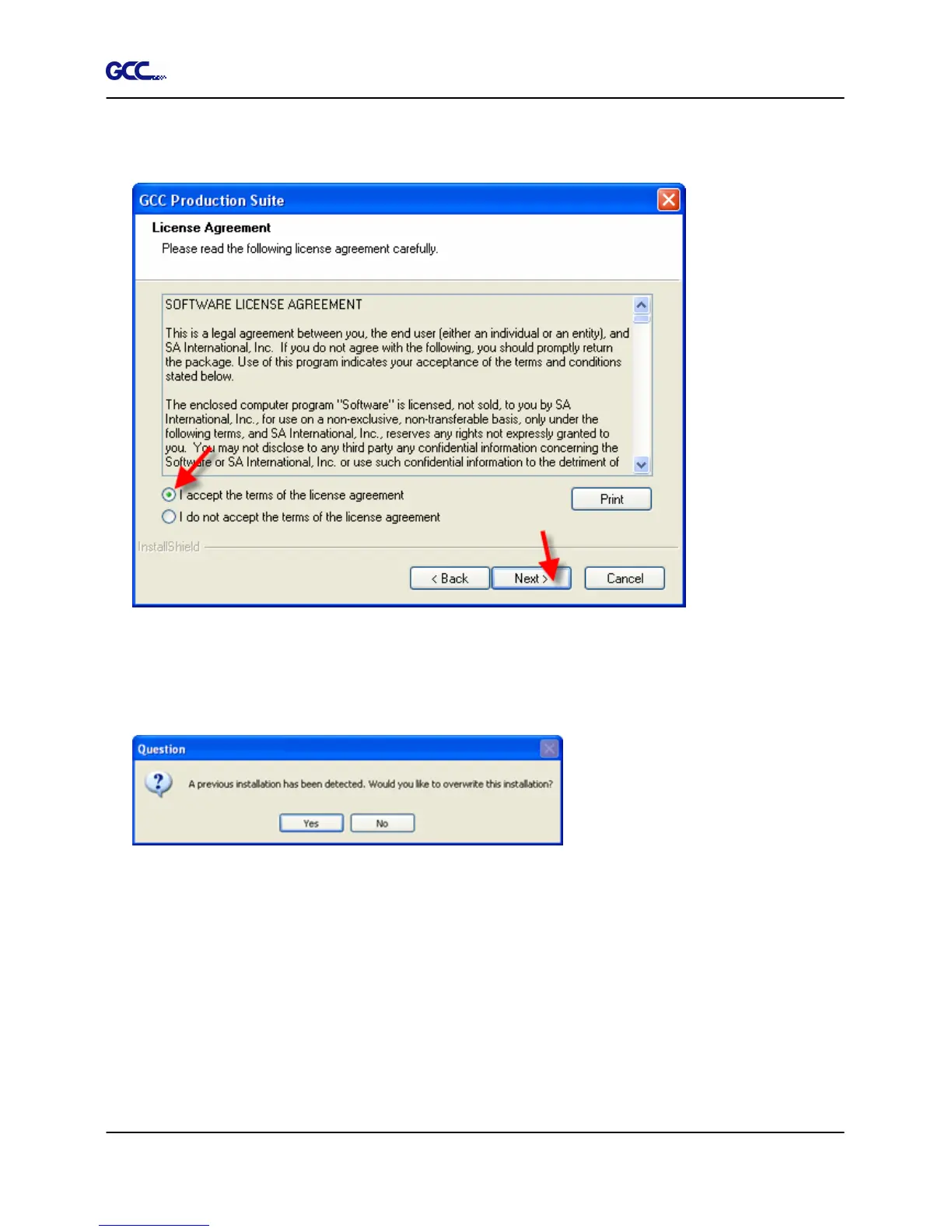
6. Read the Software License Agreement and select I accept the terms of the license
agreement and click Next to accept.
7. If you did not have any previous versions of the software installed, skip to the next step. If
you still have a previous version of the software installed, you will be prompted to overwrite
the existing installation. Click Yes to overwrite any previous installation of the software.
8. Select the features of the software that you want to install and click Next:
•
Check GCC Production Suite to install the software.
•
Check Samples to install sample files.
•
Check SafeNet Sentinel System Driver to install the software driver for this key. If you
do not use this type of key, you do not need to install this driver.







 To Next Page