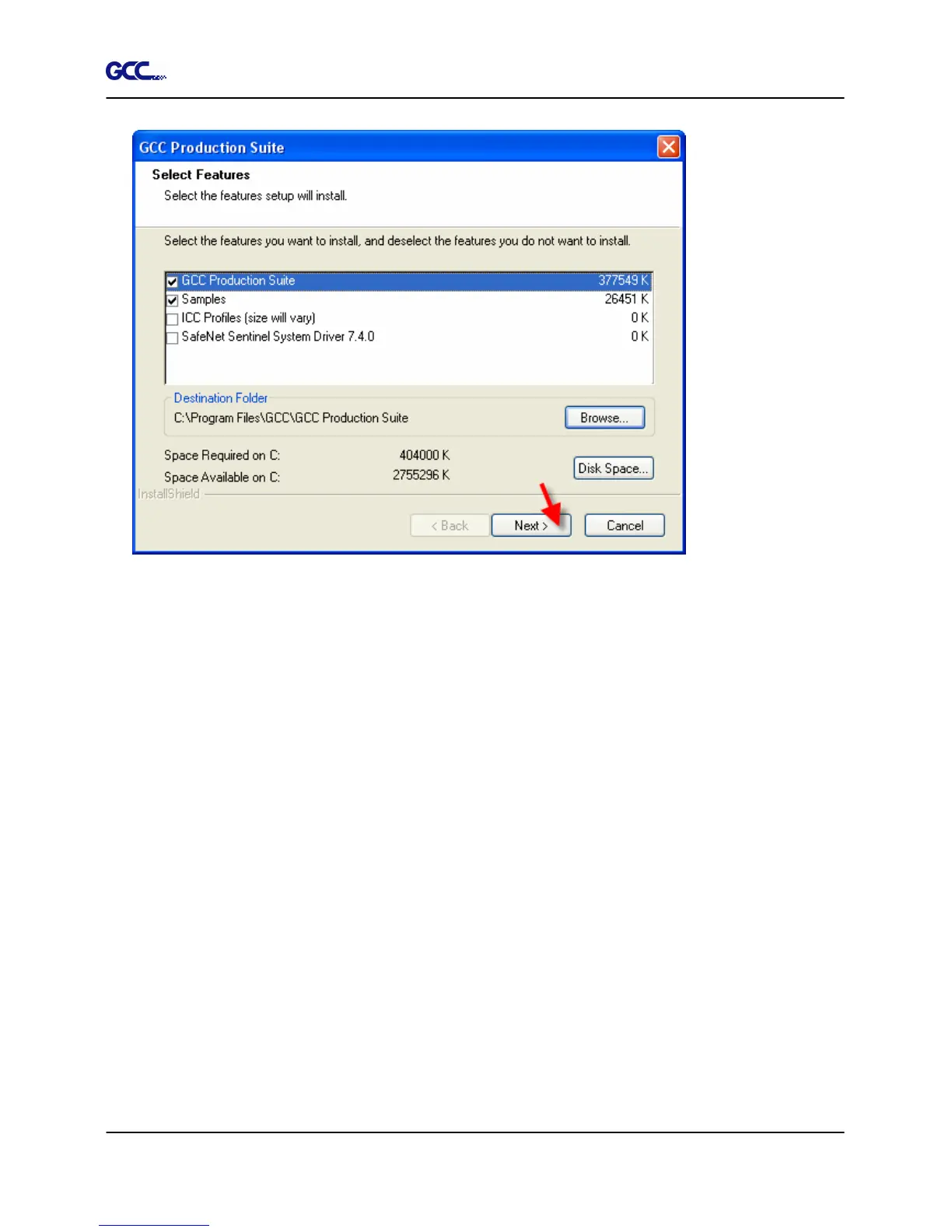
A. To change the default destination folder, click Browse and choose a new destination
folder.
B. To check that the drive you are installing to has enough space for the installation:
a. Click Disk Space.
b. From the drop-down menu, select the drive you want to install to, and verify that it
has enough space for the installation.
c. Click OK. The installation drive changes to the selected drive when you click OK.
9. Select the Program folder where the shortcut for the software will appear. A new folder is
automatically created for the product.
10. Click Next to install the software.







 To Next Page