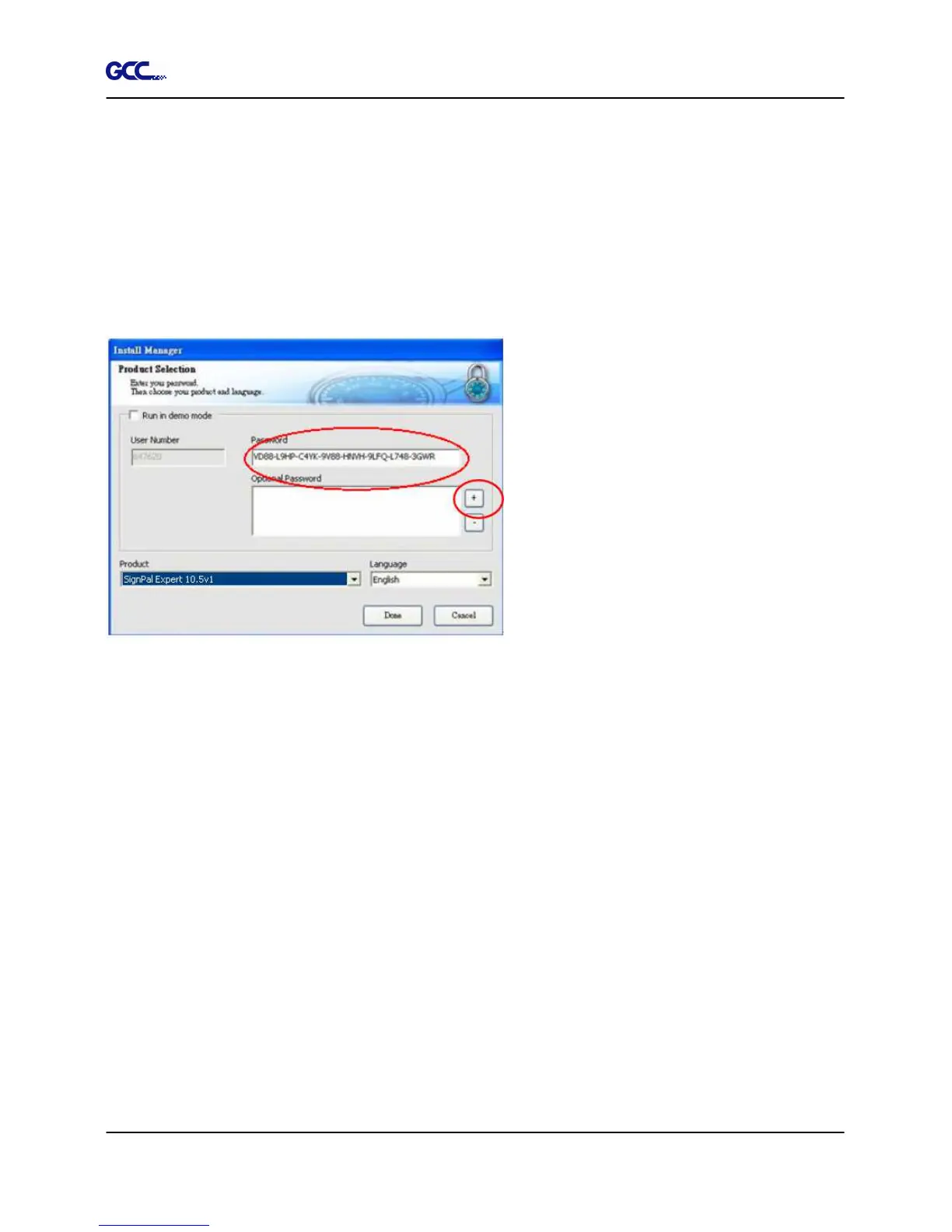
Note:
1. Steps 15-17 will only be compulsory for users who have never registered before.
2. You will be prompted to the demo version registration process if the version of your dongle
does not match that of the software.
Do one of the following:
•
Check Run in demo mode to run a demo version of any available products in any
available language.
•
Ignore the password that's shown in the box, use the Add button to enter any additional
passwords in the Optional Password section to unlock optional features. If you
purchased additional options or you are using a different dongle than the one you
inserted when the software was run, you may enter the option passwords in this field to
upgrade or access your software.
•
Click Done.







 To Next Page