Step 3
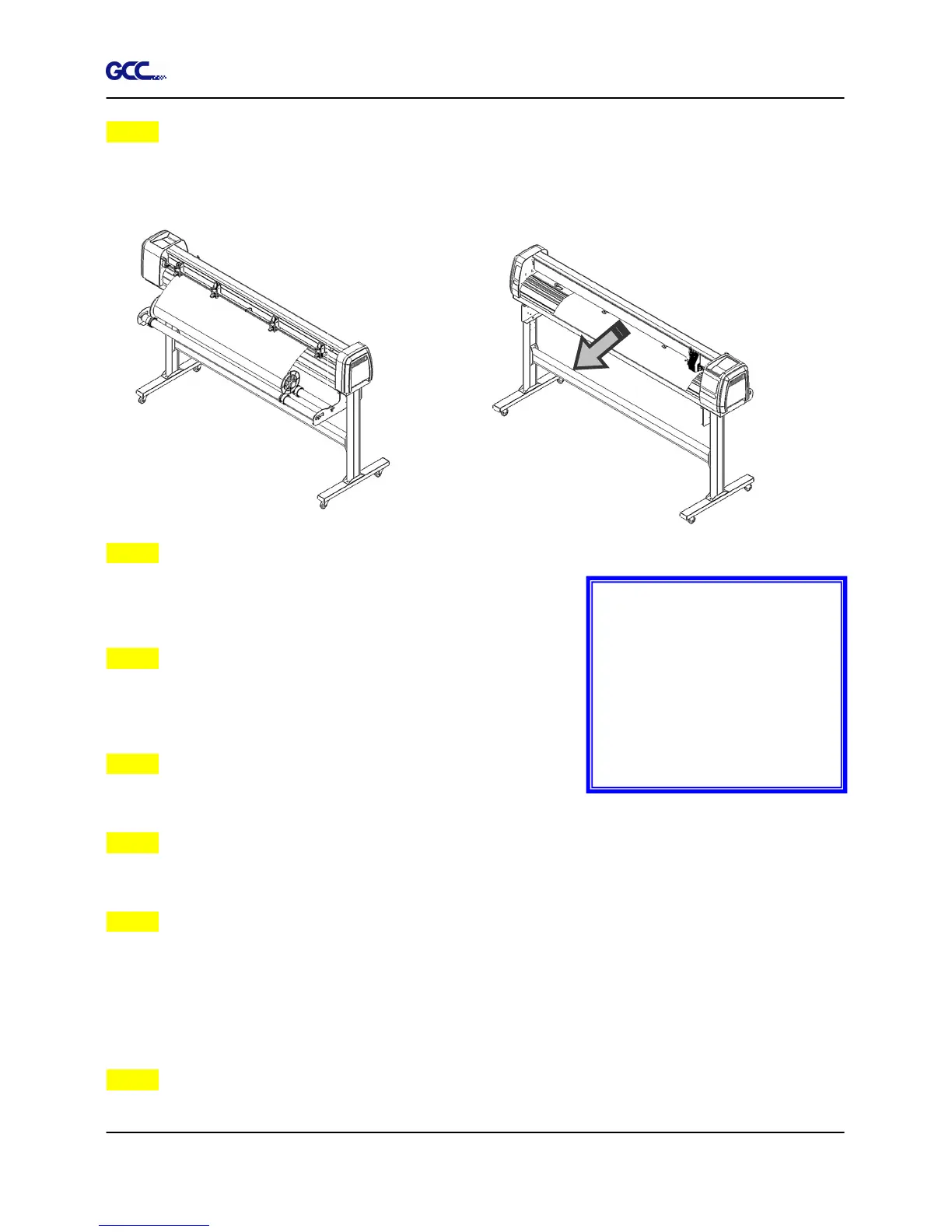
Load the media on the platen. Please refer to “4.1.1 Loading the sheet media”. After loading
the roll media, flatten the media on the platen and hold the front edge of the roll media firmly
(Figure 4-10).
Step 4
Turn the roll downward to make an equal tension across the
media (Figure 4-11)
Step 5
Move the pinch rollers to the appraise location and note that
the pinch rollers must be positioned above the grid drums.
Step 6
Push the lever backward to lower down the pinch rollers.
Step 7
Fix roll holder guide bushes on the roll holder to secure the roll media.
Step 8
Turn on the power switch and select Roll, Edge or Single mode appropriate for one time setup,
or set to Default Roll in Sizing Setting and Roll type sizing will be performed when the machine
is turned on.
Then the cutting plotter is ready to work.
Step 9
Use the reverse steps to remove the media.
Note :
Make sure that the media
tension is equally distributed
from left to right. If the media
were not tightened enough
against the platen, it would
cause tracking problems!
Figure 4-11







 To Next Page