RX series User Manual
CorelDRAW Plug-In A-3
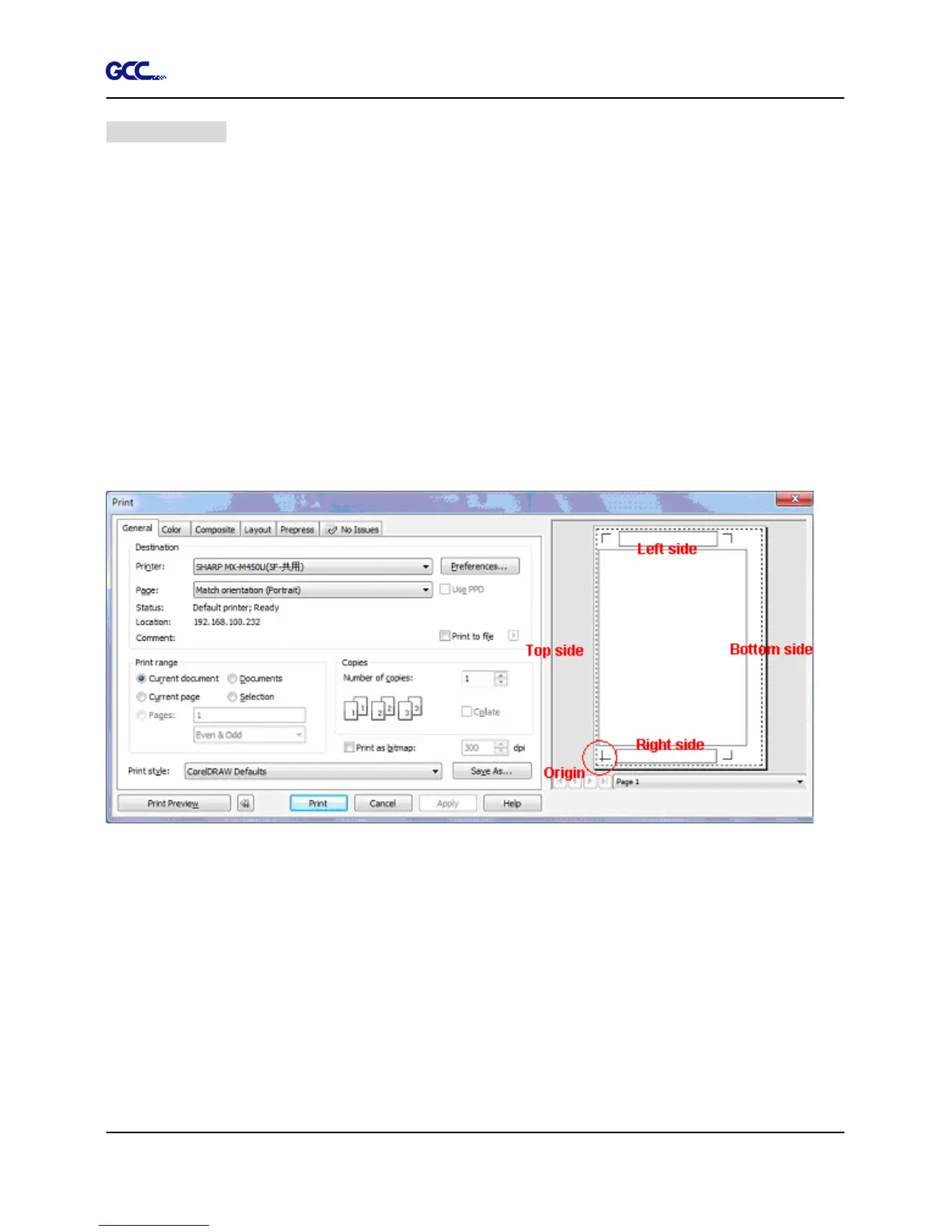
Workable area
It allows users to extend the registration mark when editing graphics.
For A4 size media sheet, the workable area is 2.5mm extended from the registration mark on
left and right sides and 4.5mm extended from the registration mark on top side. On the bottom
side, it is suggested to leave at least 25mm margin from the edge of media sheet to prevent
sheets dropping or any error occurred while media sizing.
For A3 size media sheet, the workable area is 10mm extended from the registration mark on the
left side, 9mm extended from the registration mark on the right side and 11mm extended from
the registration mark on top side. On the bottom side, it is suggested to leave at least 25mm
margin from the edge of media sheet to prevent sheets dropping or any error occurred while
media sizing.
NOTE: Select “Edge” mode when media sizing to allow the media sheet to be unrolled. If you
select “Single” mode, the media sheet will not be able to be moved back and hence fail to be
detected by front paper sensor.







 To Next Page