Optimizing the Image
LOGIQ E9
–
User Guide
2-15
Direction 5454884-100 English
Rev. 1
Using the Monitor Display Controls to Manage Images
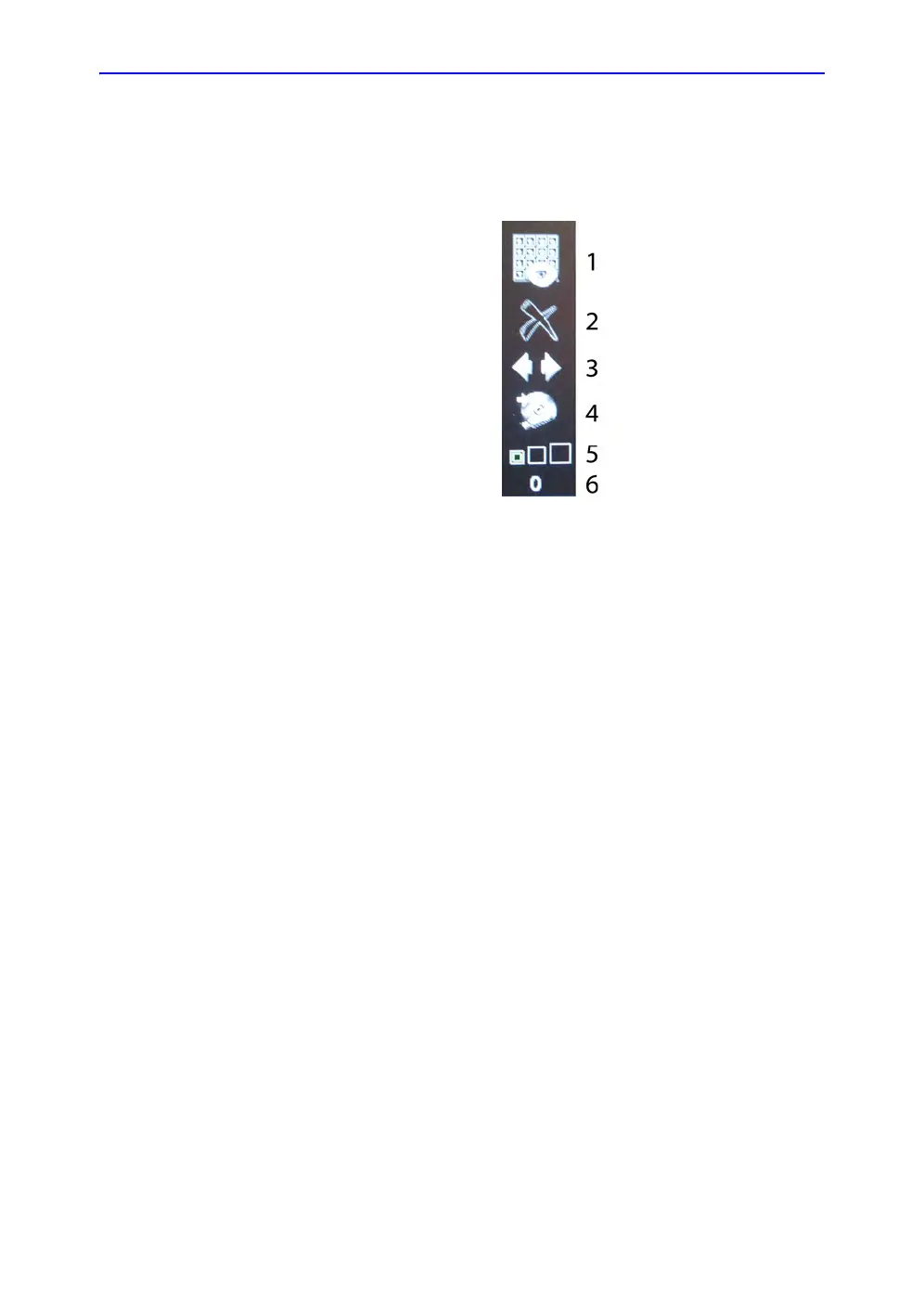
You can manage images from the display via these on-display
controls.
Figure 2-1. Menu Icons
1. Active Images Screen
2. Delete Image
3. Next/Previous Image(s); and
Clipboard Slide Show if you
press and hold down the [Ctrl]
key + Next or Previous Arrow..
4. Save As Menu
5. Thumbnail Size
6. Number of Images in Exam



 To Next Page