Rev. 00 04/19
OptiCenter OC06 Maintenance / Repairs
73
12.
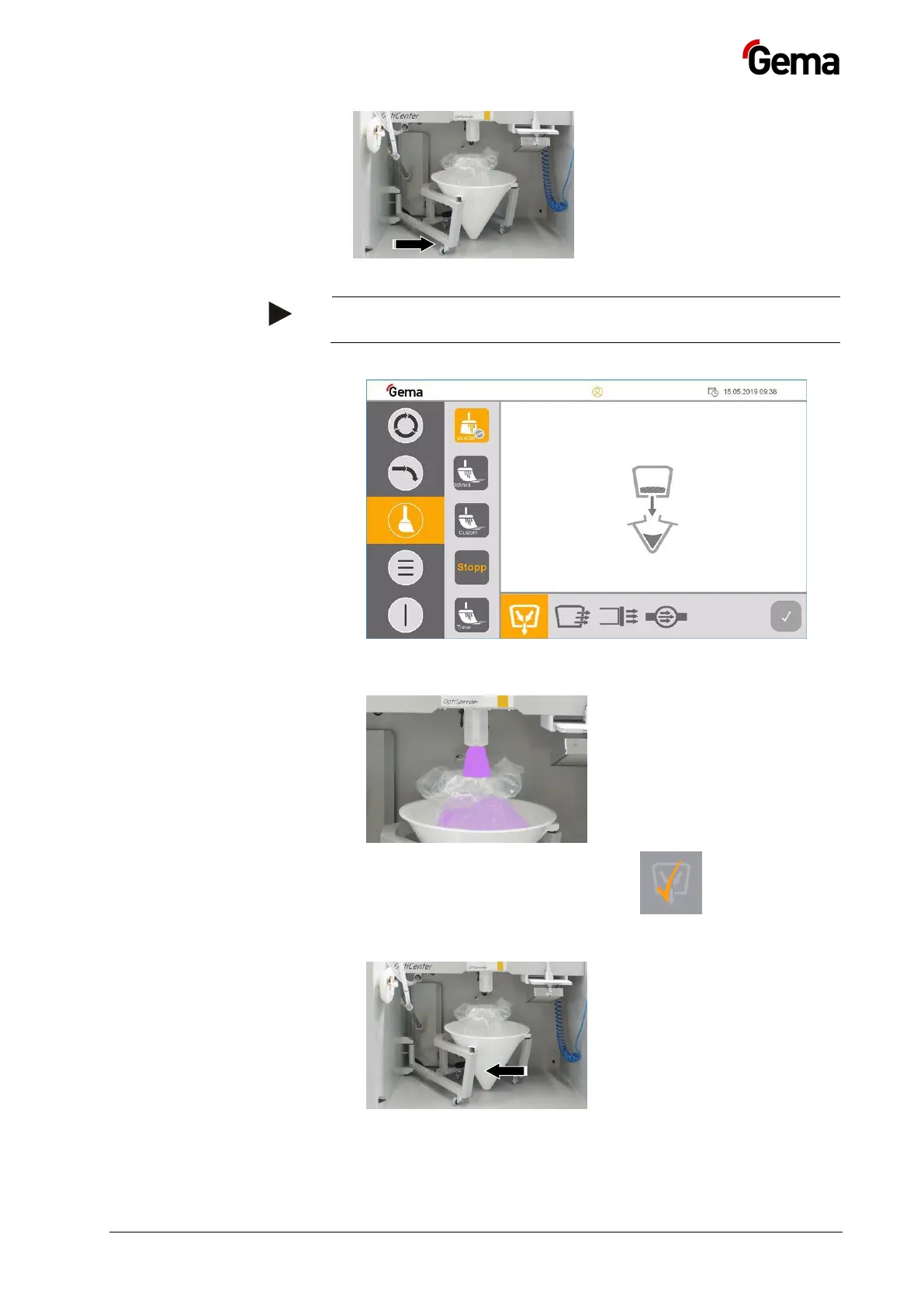
13. Press Start
If necessary, the cleaning process can be interrupted at any time
by pressing the stop button.
14.
15. The pinch valve below the OptiSpeeder opens and the powder in the
OptiSpeeder flows into the powder bag
16. The process step is complete when the key looks like this.
The key can be pressed once again if necessary. This is a sign that
the next cleaning step will be activated.
17.


 To Next Page