AutoVu SharpX mobile installation
tip.genetec.com | AutoVu Hardware Guide for SharpX Mobile Installation
EN.410.018-XS(6) | Last updated: October 6, 2016 13
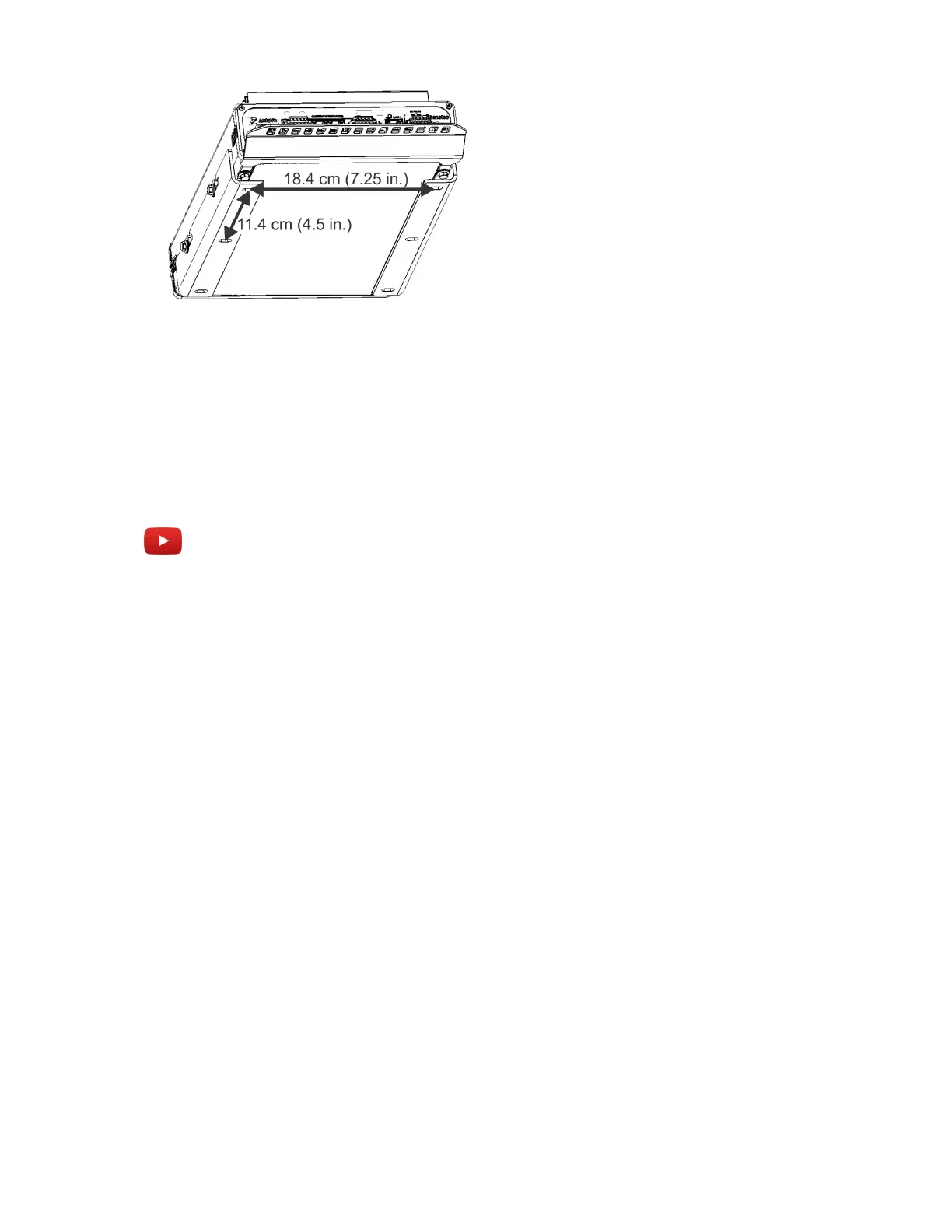
Vertical mount:
• When selecting an installation location, take into account that you must leave enough space to
easily access the mounting screws with a wrench.
• Install the vertical bracket before you attach the LPR Processing Unit to the bracket.
Example
Watch this video to learn more. Click the Captions icon (CC) to turn on video captions in one of the
available languages.



 To Next Page