6-4
Using Special Utilities
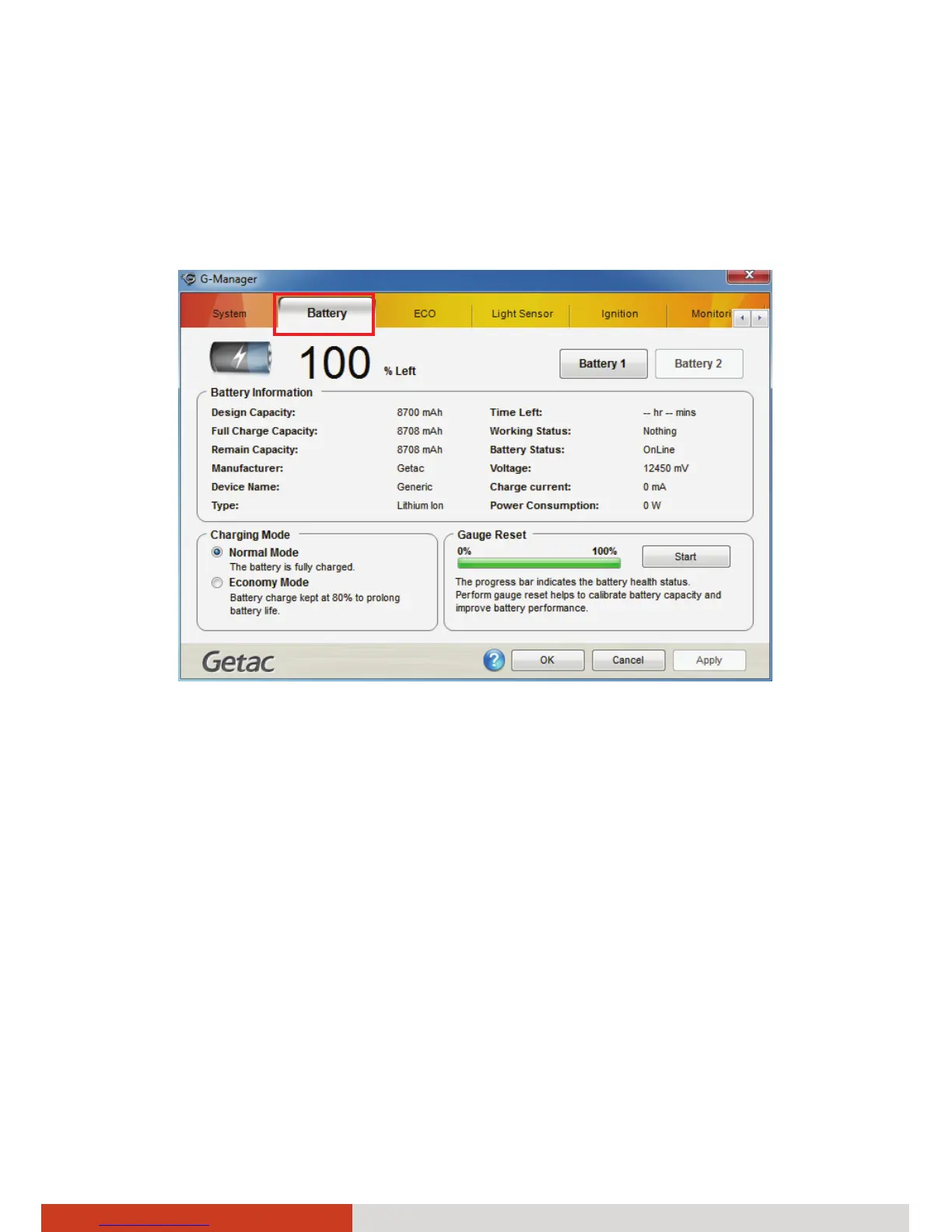
Battery Tab
The Battery tab allows you to check the battery status and configure the
battery.
At most two batteries may be supported. Click Battery 1 or Battery 2 to view
the information of each battery (if your model has a second battery).
NOTE:
z When the percentage % Left is less than 10% then the value will be
displayed in red.
z When an abnormal battery condition is detected Battery Status value
will be displayed in red.
Battery Information
The upper portion of the screen displays the current status of the selected
battery.



 To Next Page