6-8
Using Special Utilities
Light Sensor Tab
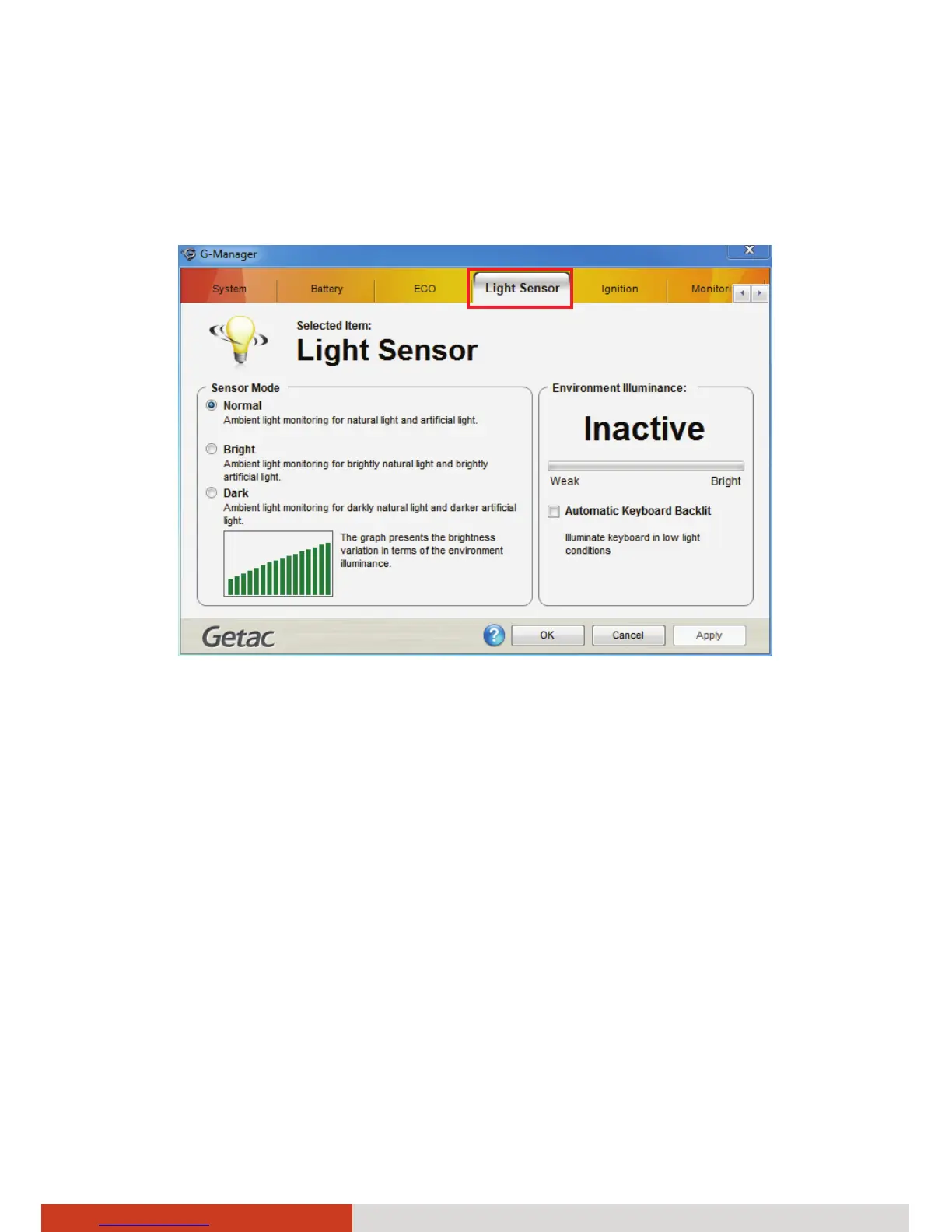
The Light Sensor tab allows you configure how the light sensor works.
Sensor Mode
The left portion of the screen lists the sensor modes:
z Normal – Light sensor sensitivity is set at normal environment lighting
condition.
z Bright – Light sensor sensitivity is set at bright environment lighting
condition (e.g. outdoors).
z Dark – Light sensor sensitivity is set at dark environment lighting
condition (e.g. indoors, storage warehouse, etc.).
Click to select a mode. Click Apply or OK to save the changes.



 To Next Page