2-10
Operating Your Computer
Using the Touchscreen (Optional)
CAUTION: Do not use a sharp object such as a ballpoint pen or pencil on
the touchscreen. Doing so may damage the touchscreen surface. Use your
finger or the included stylus.
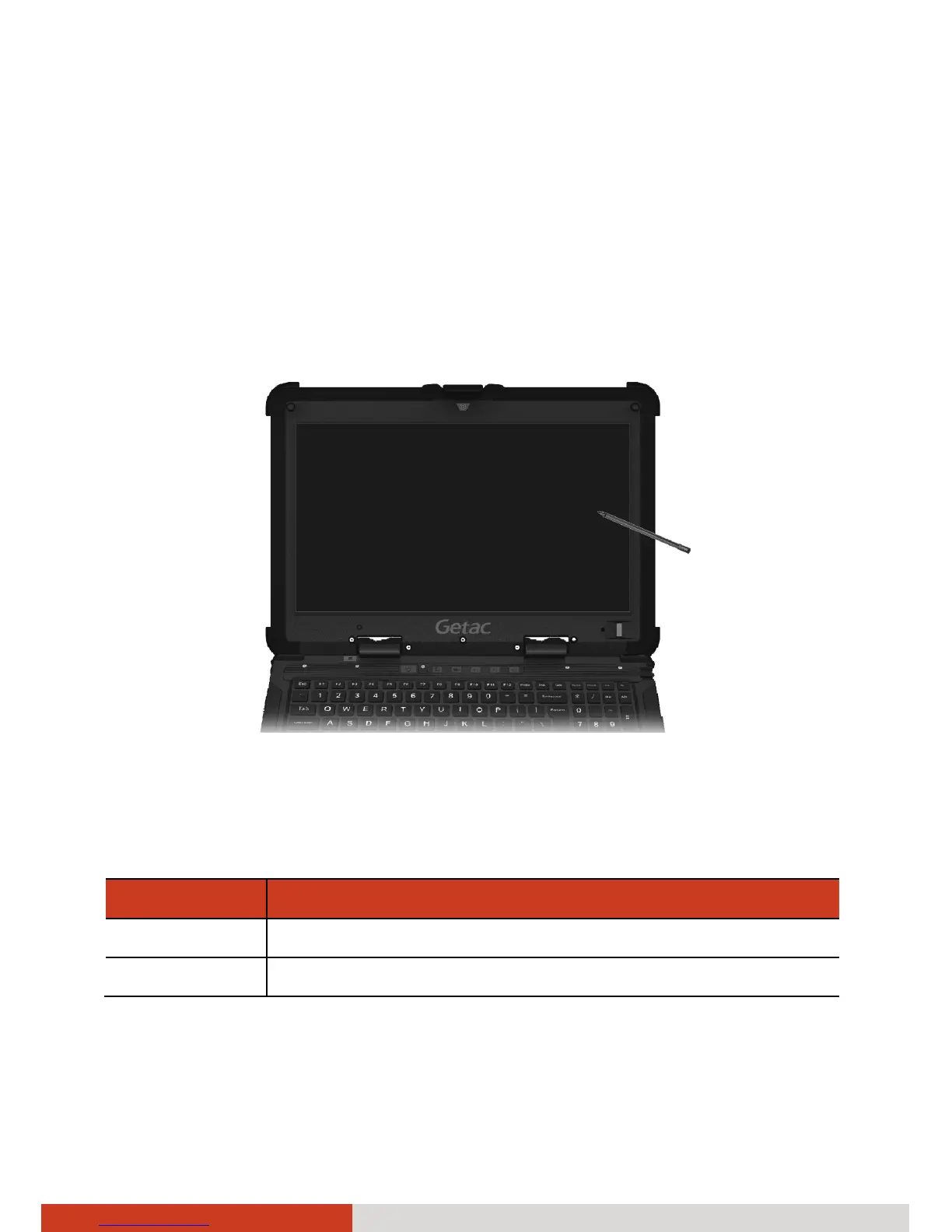
The touchscreen is a touch-sensitive device that allows you to navigate on
the screen without using a keyboard, touchpad, or mouse.
Use the included stylus to select objects on the screen. The stylus can be
stretched for better grip and handling.
Here are some common terms that you should know when using the
touchscreen:
Term Action
Click/Point Tap gently on the touchscreen.
Double-click Tap twice on the touchscreen rapidly.



 To Next Page