2-14
Operating Your Computer
Using the Input Panel
Use the Input Panel to enter text and perform various keyboard functions.
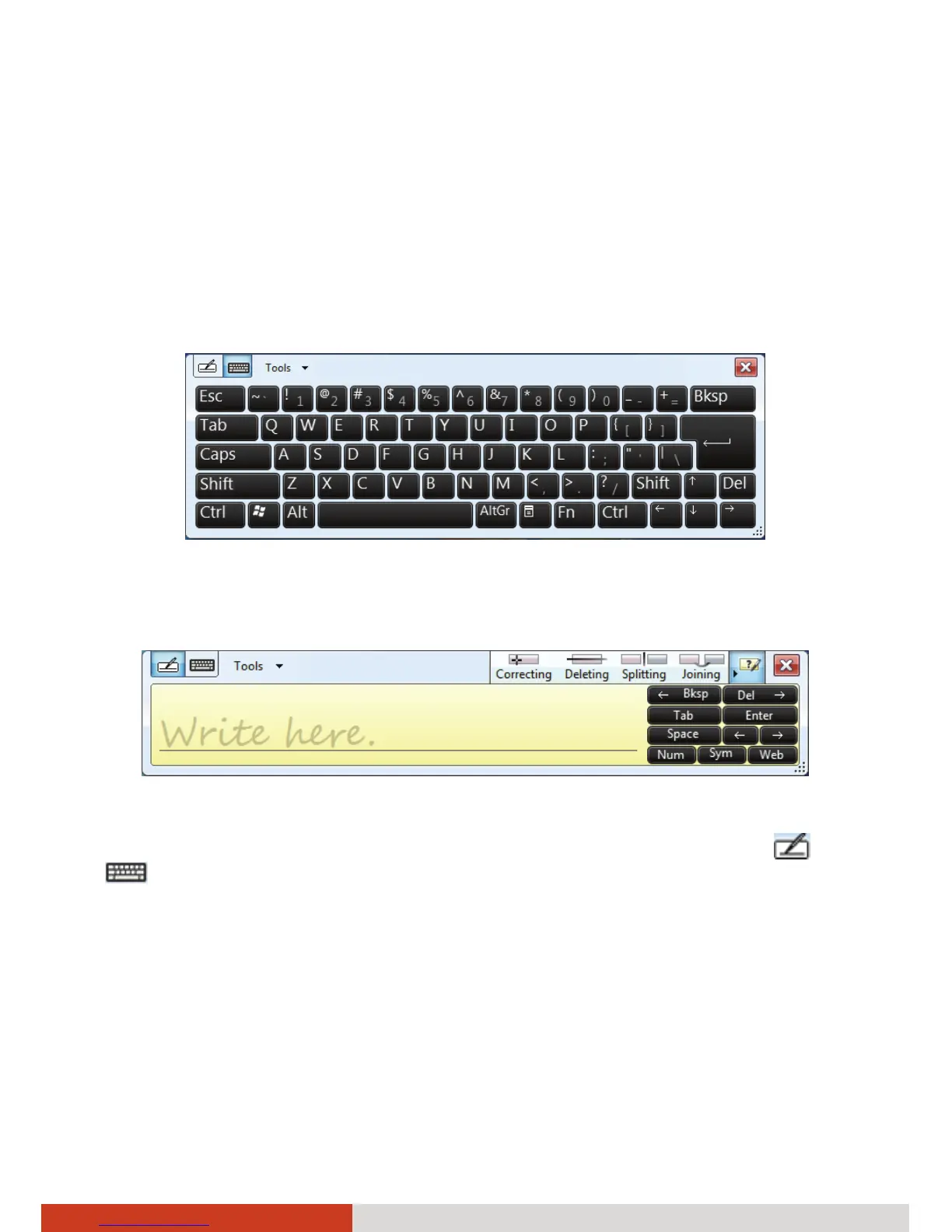
There are two types of Input Panels for you to use in Windows 7:
z Touch Keyboard allows you to enter text by tapping the keys with your
stylus, like pressing the keys on a standard keyboard.
z Writing Pad allows you to write on the writing pad, like writing on a
piece of paper. Your handwriting will be converted into typed text.
To open the Input Panel, tap the Input Panel tab, which appears by default
on the left edge of the screen. To switch between the two types, tap
or
at the upper left corner of the Input Panel.
NOTE: For more information on using the Input Panel, see Windows’ online
help.



 To Next Page