4-4
Expanding Your Computer
Connecting a Serial Device
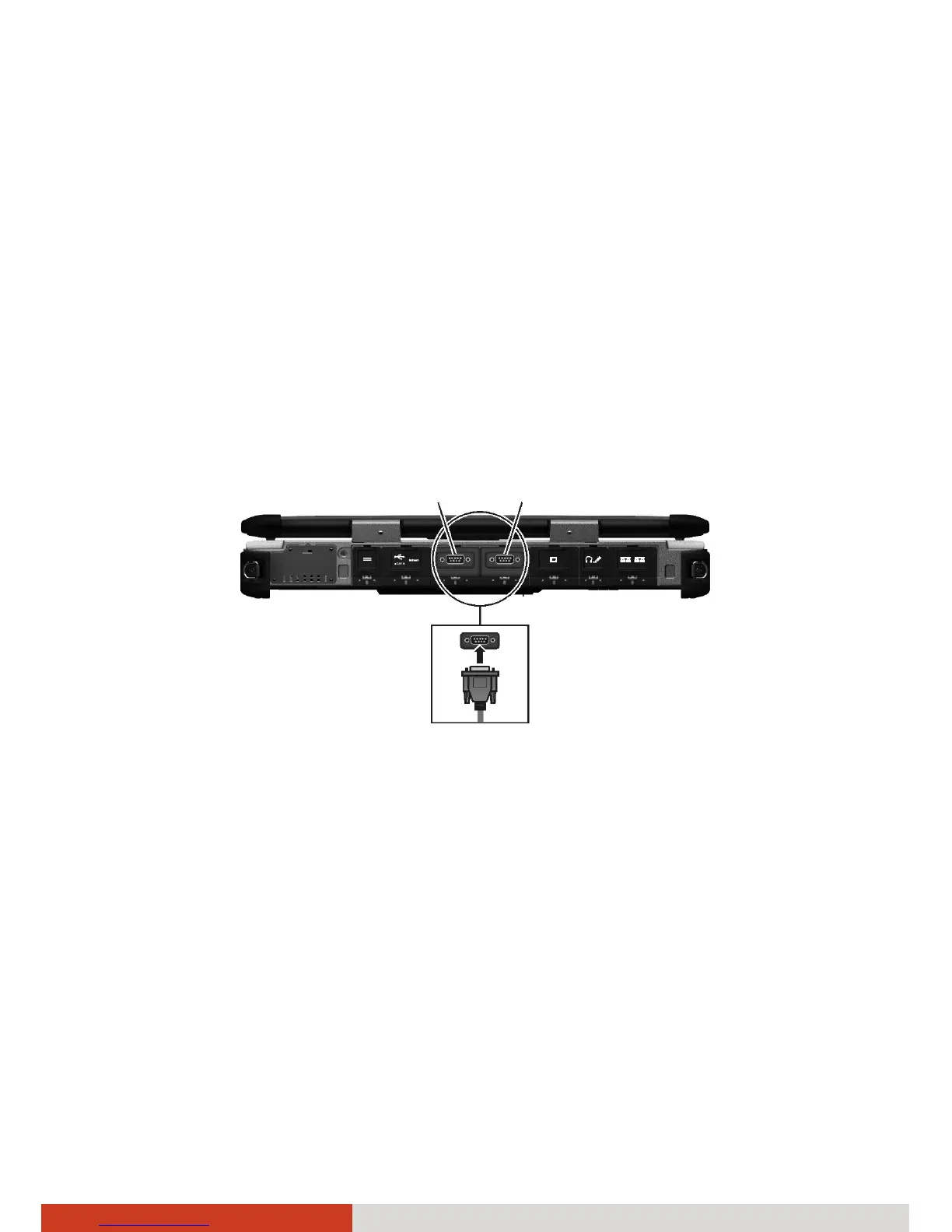
Your computer has two serial ports for connecting a serial device.
Follow this procedure to connect a serial device:
1. The serial port is configured as RS232 by default. If you want to use it as
RS422, run BIOS Setup to change the setting. (See “Advanced Menu” in
Chapter 5 for information.)
2. Turn off the computer.
3. Plug the device cable to the serial port on the rear of the computer.
4. Turn on the computer.
NOTE: Portable modems that derive power through the serial port cannot
be used with the computer. Instead, use a modem that is powered by its
own internal battery or external AC power.
CO



 To Next Page