Using Special Utilities 6-13
Using Button Manager
The P1, P2, and P3 buttons have pre-assigned functions. You can re-define
the buttons using Button Manager.
Selecting from the Available Options
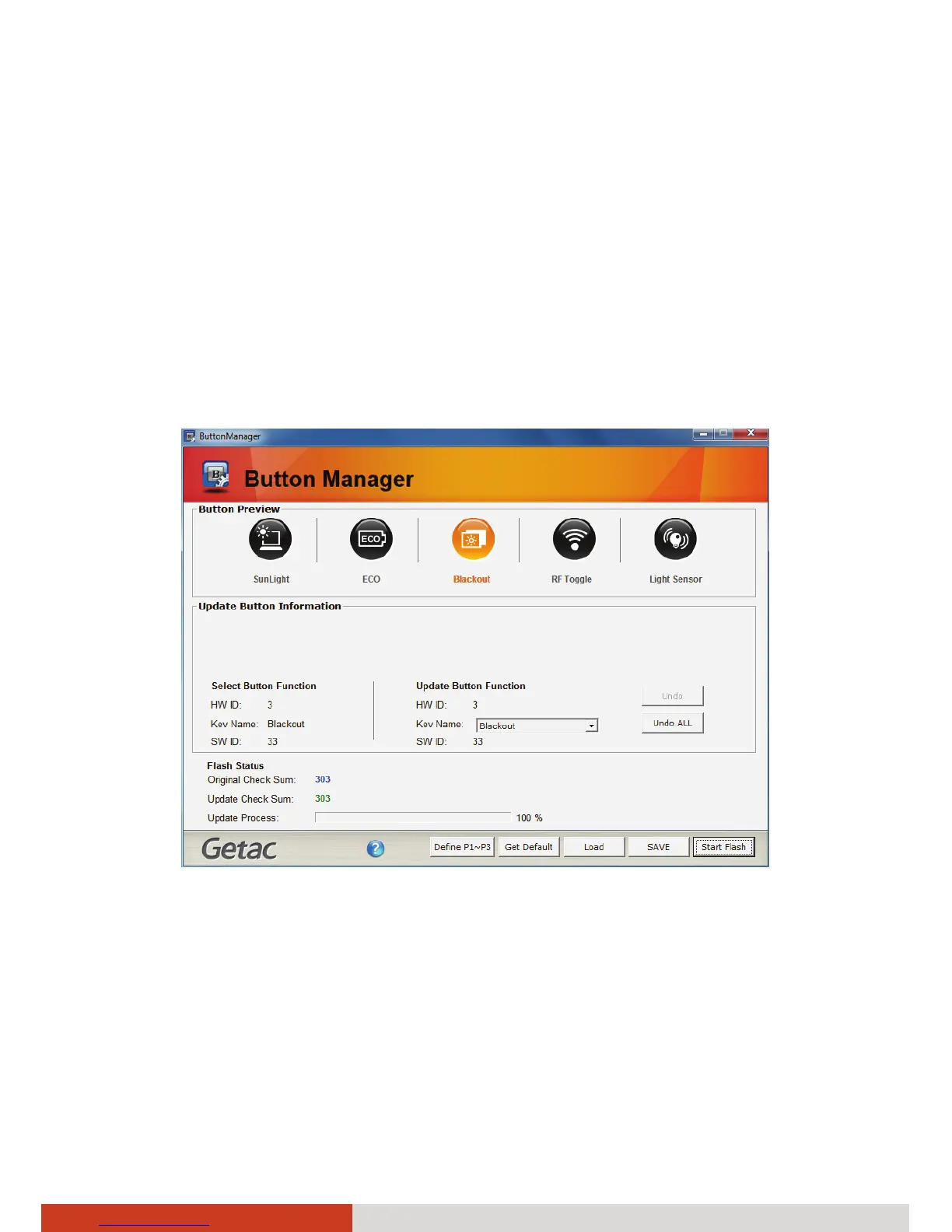
1. Click Start Æ Programs Æ Button Manager Æ Button Manager. The
following screen appears.
2. Select one of the last three buttons to re-define. The selected button will
be highlighted. (The first two buttons cannot be re-defined.)
3. Under the Update Button Function click the Key Name dropdown list to
see the available options and select the option you want.



 To Next Page