2-34
Operating Your Computer
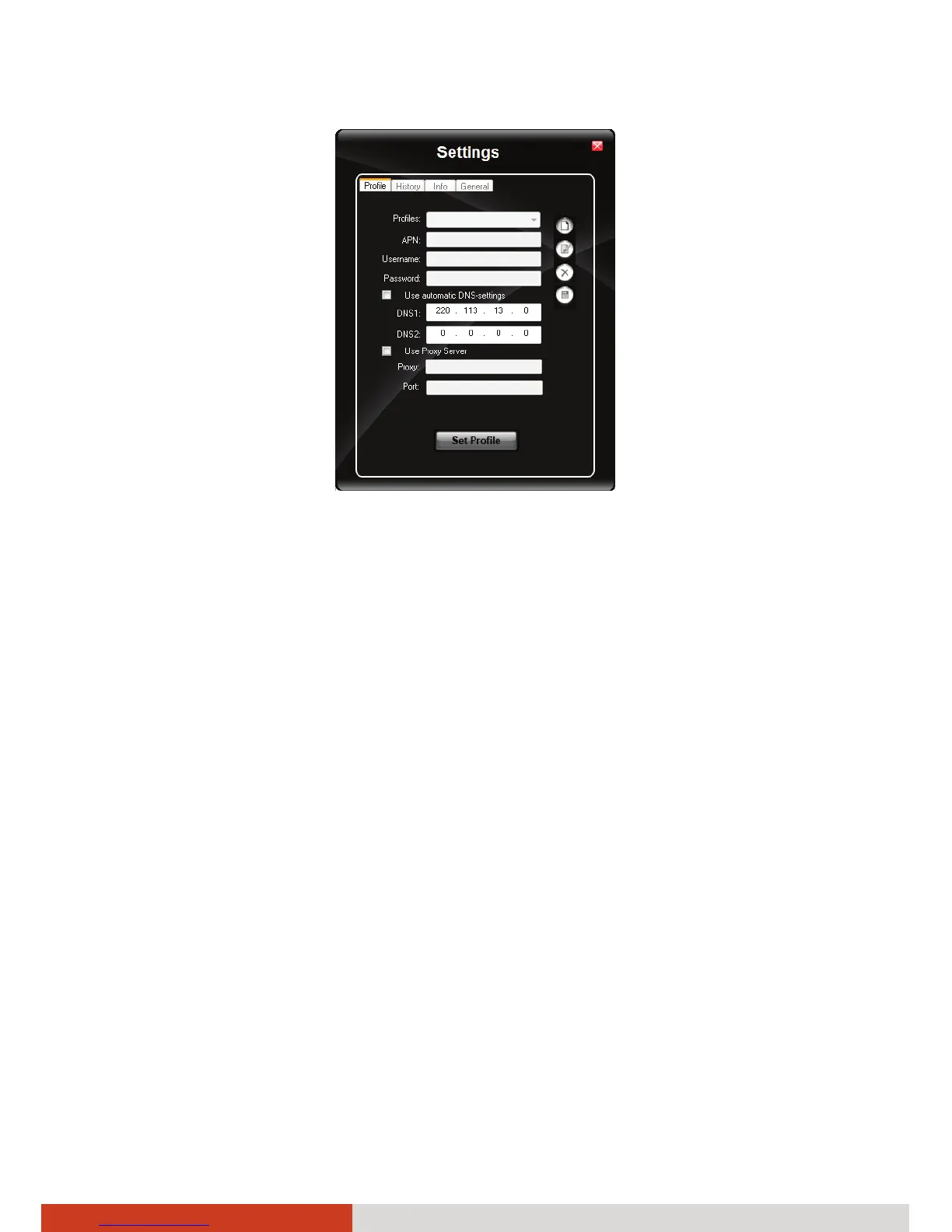
6. Enter the required information. Contact your network operator for the
correct information.
Using the 3G Application
Once a new profile has been created, it will appear in the dropdown menu
Profiles. You can then select it by clicking Set Profile to use it.
You can manage the mobile Internet communication:
z Internet Connection and Email download
z SMS Manager
z Managing contacts from SIM and Outlook
z GPS Management (for models having the GPS module)
NOTE: For detailed information on using OneClick Internet, click Help.



 To Next Page