6-12
Using Special Utilities
GPS Status Tab
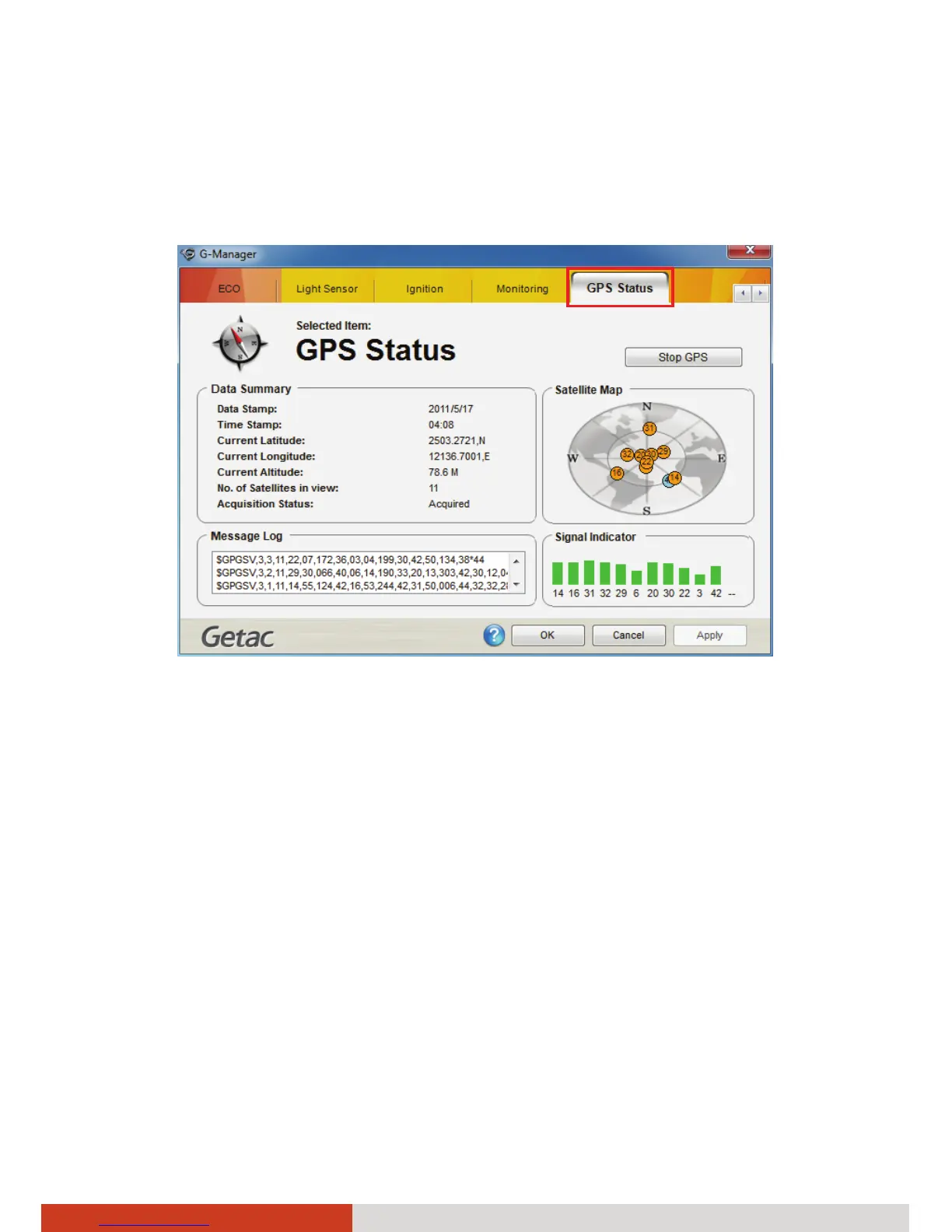
The GPS Status tab shows the GPS status for models having the GPS module.
To start GPS positioning, click Start GPS. The screen displays:
z Ongoing raw data strings in the Message Log section
z Overhead satellite positions in the Satellite Map section
z Signal strength of the satellites in the Signal Indicator section
When GPS positioning is completed, the Data Summary section shows the
GPS information of the current location.
To stop GPS positioning, click Stop GPS.



 To Next Page