Operating Your Computer 2-21
Using the Network Features
Using the LAN
The internal 10/100/1000Base-T LAN (Local Area Network) module allows
you to connect your computer to a network. It supports data transfer rate up
to 1000 Mbps.
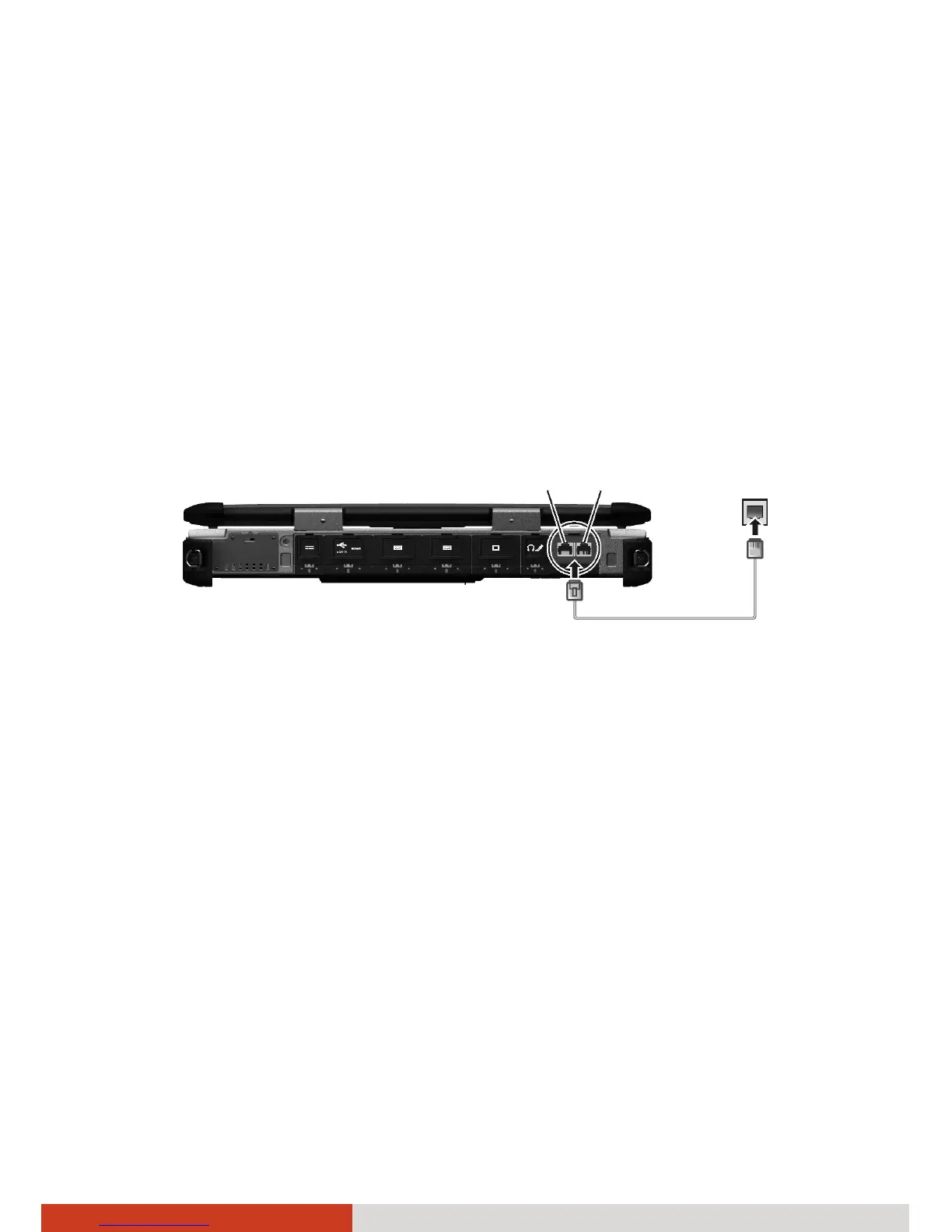
To connect the network cable to the LAN module, connect one end of the
LAN cable to the RJ-45 connector on the computer and the other end to the
network hub.
Your computer supports two LAN modules (LAN1 and LAN2) so you can
connect to two networks at the same time.
NOTE:
z LAN2 is disabled by default. To use LAN2, run BIOS Setup to enable it.
(See “Advanced Menu” in Chapter 5 for information.)
z LAN2 module implements DSM (Deep Slumber Mode) to save battery
power. Power is supplied to the LAN module only when the LAN cable is
connected. This means the LAN module will not appear in Windows’
Device Manager if the LAN cable is not connected and will appear if
the cable is connected.
LAN



 To Next Page