Operating Your Computer 2-29
Using the Fingerprint Sensor
The fingerprint sensor provides a strong authentication mechanism based on
fingerprint recognition. You can log on to your computer or sign in to a web
site with your fingerprint instead of a password.
NOTE: You can register a fingerprint only after creating a password for the
Windows user account.
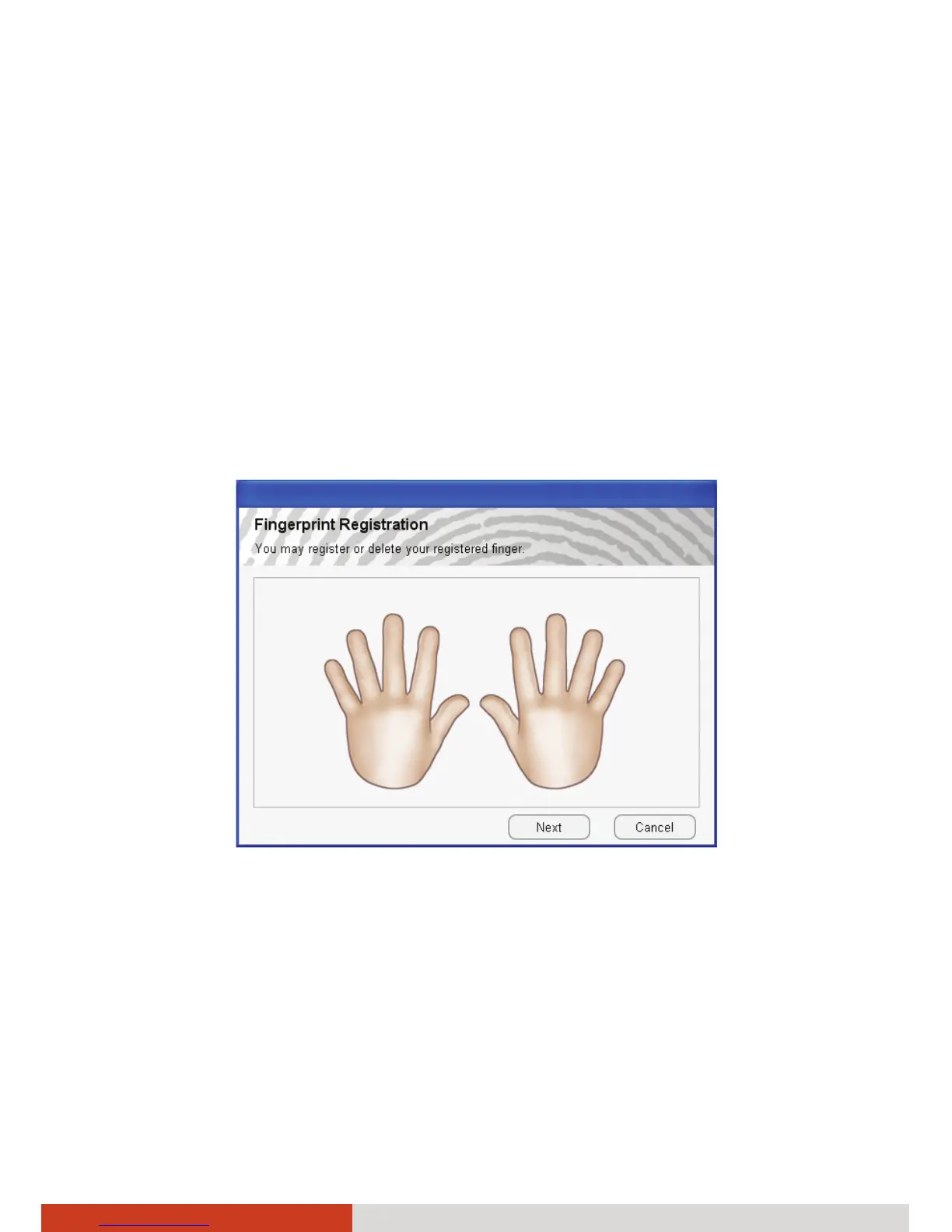
To register your fingerprint, click Start Æ All Programs Æ Fingerprint
Software Æ Fingerprint Registration. Click the finger you want to register
and follow the onscreen instructions to complete.



 To Next Page