6-14
Using Special Utilities
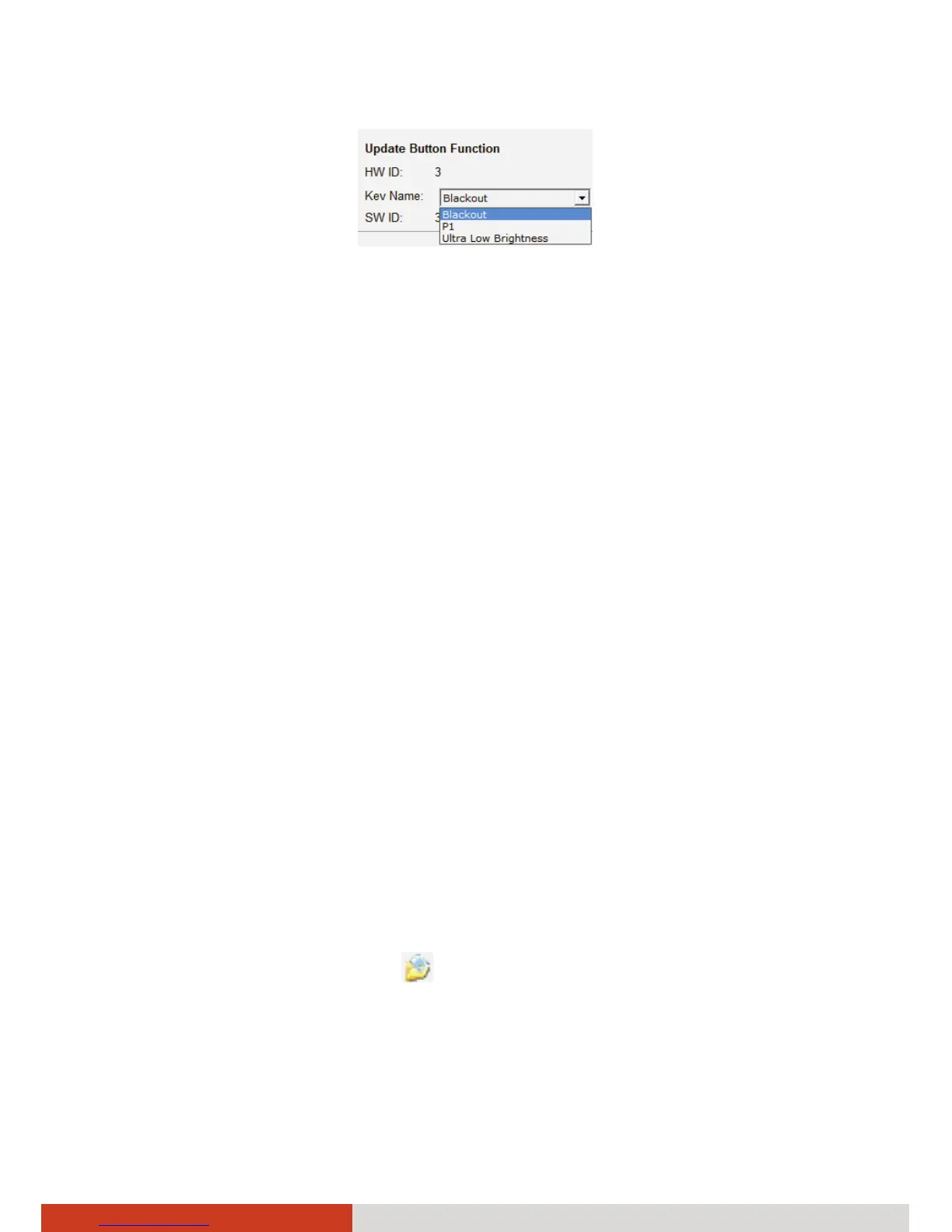
4. If you have selected P1, P2, or P3 in the previous step, follow the
procedures as described in “Quick Button Definition Utility” later to
continue with the settings.
5. Repeat the steps for the other buttons that you want to re-define.
6. For the changes to take effect immediately, click Start Flash. The
percentage of flash process will be shown. Click OK when the
completion
message appears.
7. If you intend to save the configurations for later retrieval, click SAVE.
Select a location, enter a filename, and click Save to save the current
configurations as a .bfh file.
To use any previously saved configurations, click Load to retrieve
the .bfh file and click Start Flash for the configurations to take effect.
NOTE: You can restore to the default settings by clicking Get Default.
Quick Button Definition Utility
You can have P1, P2, or P3 button to start a program or open a file.
1. Follow steps 1 to 4 in the previous “Selecting from the Available
Options” section.
2. Click Define P1~P3.
3. The following window appears. Select the button you want to re-define
and click the Open button
.



 To Next Page