4-16
Expanding Your Computer
Installing a Secondary Battery
Pack or Hard Disk Drive
You can purchase a secondary battery pack or hard disk drive to be installed
in the multi-purpose device bay.
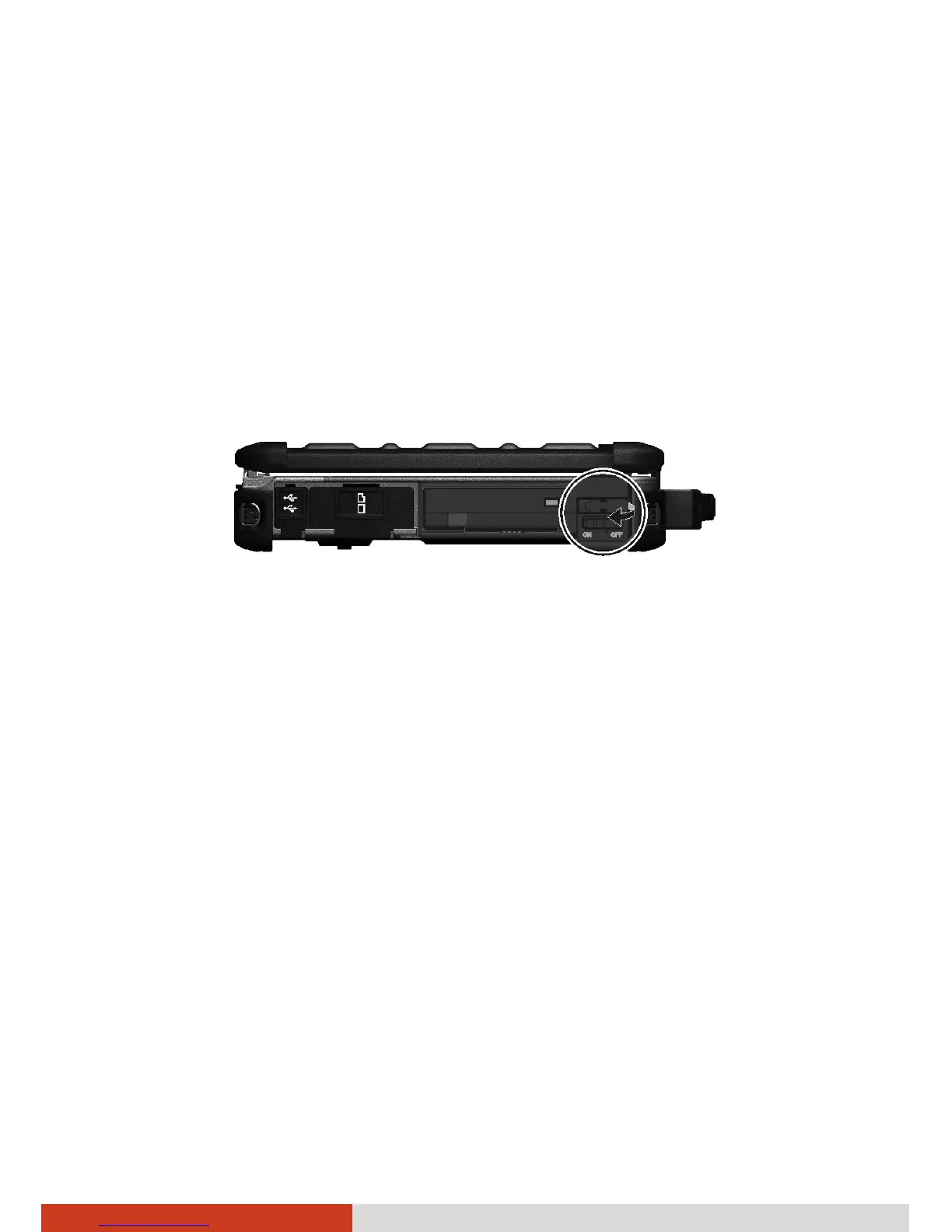
1. Locate the multi-purpose device bay on the left side of your computer
and open the protective cover.
2. Pull the strip and slide the existing device out of the bay.
3. With the strip facing outward, insert the new device all the way into the
bay.
4. Close the cover.



 To Next Page