Using BIOS Setup and System Recovery 5-9
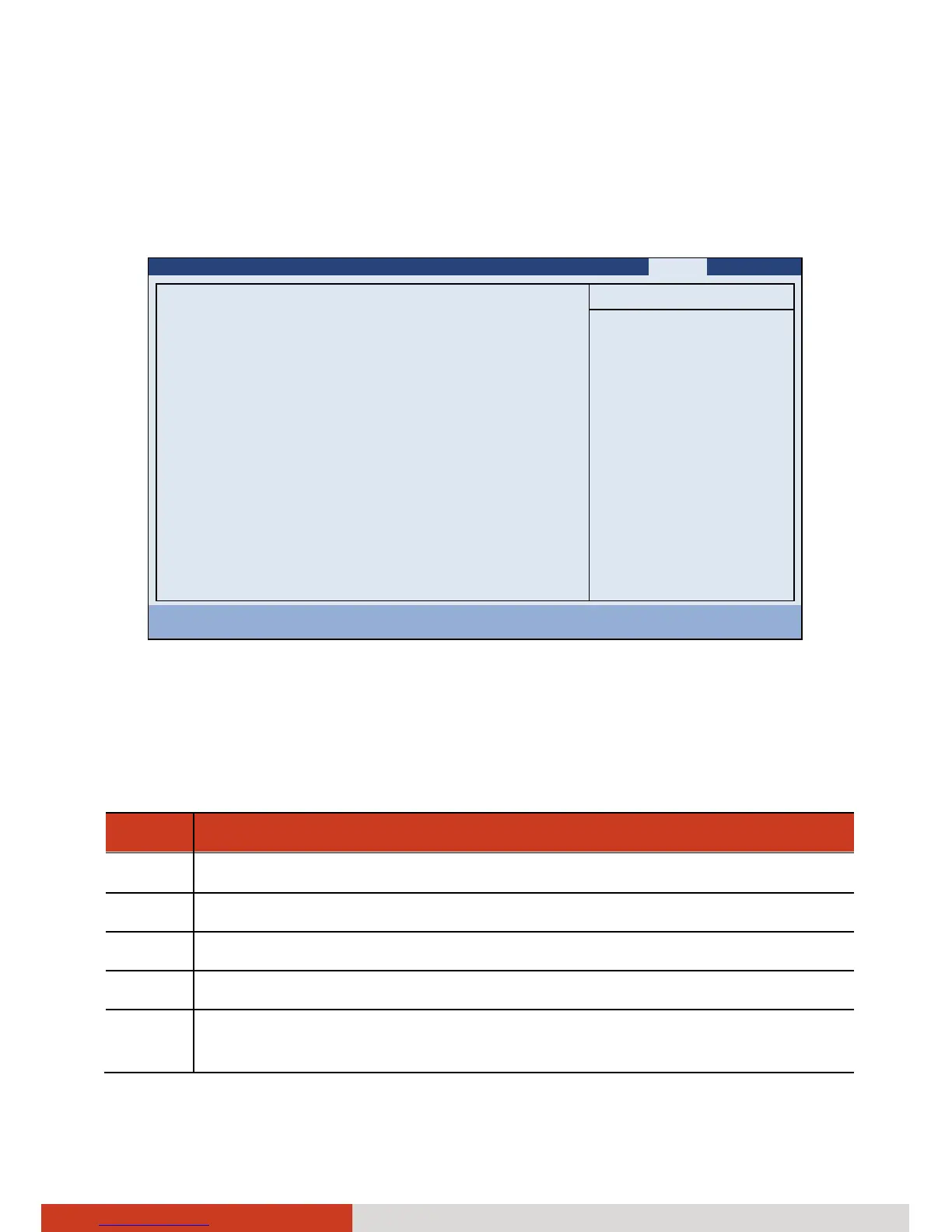
Boot Menu
The Boot menu sets the sequence of the devices to be searched for the
operating system.
Information Main Advanced Security TPM State Boot Exit
Boot priority order:
1: SATA HDD: TOSHIBA MK3265GSX-(S1)
2: SATA ODD: Optiarc DVD RW AD-7585H-(S
3: USB FDC:
4: USB KEY:
5: USB HDD:
6: PCI SCSI:
7: LAN BOOT: IBA GE Slot 00C8 v1338
8:
Excluded from boot order:
: USB CDROM:
: LAN BOOT: B05 D00 Realtek PXE
Item Specific Help
Keys used to view or
configure devices:
Up and Down arrows
select a device.
<+> and <-> moves
the device up or down.
<x> exclude or include
the device to boot.
<Shift + 1> enables or
disables a device.
<1 – 4> Loads default
boot sequence.
F1 Help ↑↓ Select Item -/+ Change Values F9 Setup Defaults
Esc Exit ←→ Select Menu Enter Select X Sub-Menu F10 Save and Exit
The bootable devices will be automatically detected during POST and shown
here, allowing you to set the sequence that the BIOS uses to look for a device
from which to load the OS.
Below is a brief description of keyboard usage:
Key Function
↑ , ↓
Selects (highlight) a boot device.
+, – Changes the boot sequence.
1 to 4 Loads the default boot sequence.
f or r Specifies if the boot device is fixed (f) or removable (r).
X Moves the highlighted boot device from the “Boot priority order”
list to the “Excluded from boot order” list, and vice versa.



 To Next Page